6 Best Guidebook Alternatives for Events & Conferences
Guidebook event app is undoubtedly a great event management platform. But it might not suit everybody's needs. That's why we've compiled the top 6 alternatives to Guidebook that might be better for your requirements.
Viktorie Motlochova
March 3, 2026
March 3, 2026
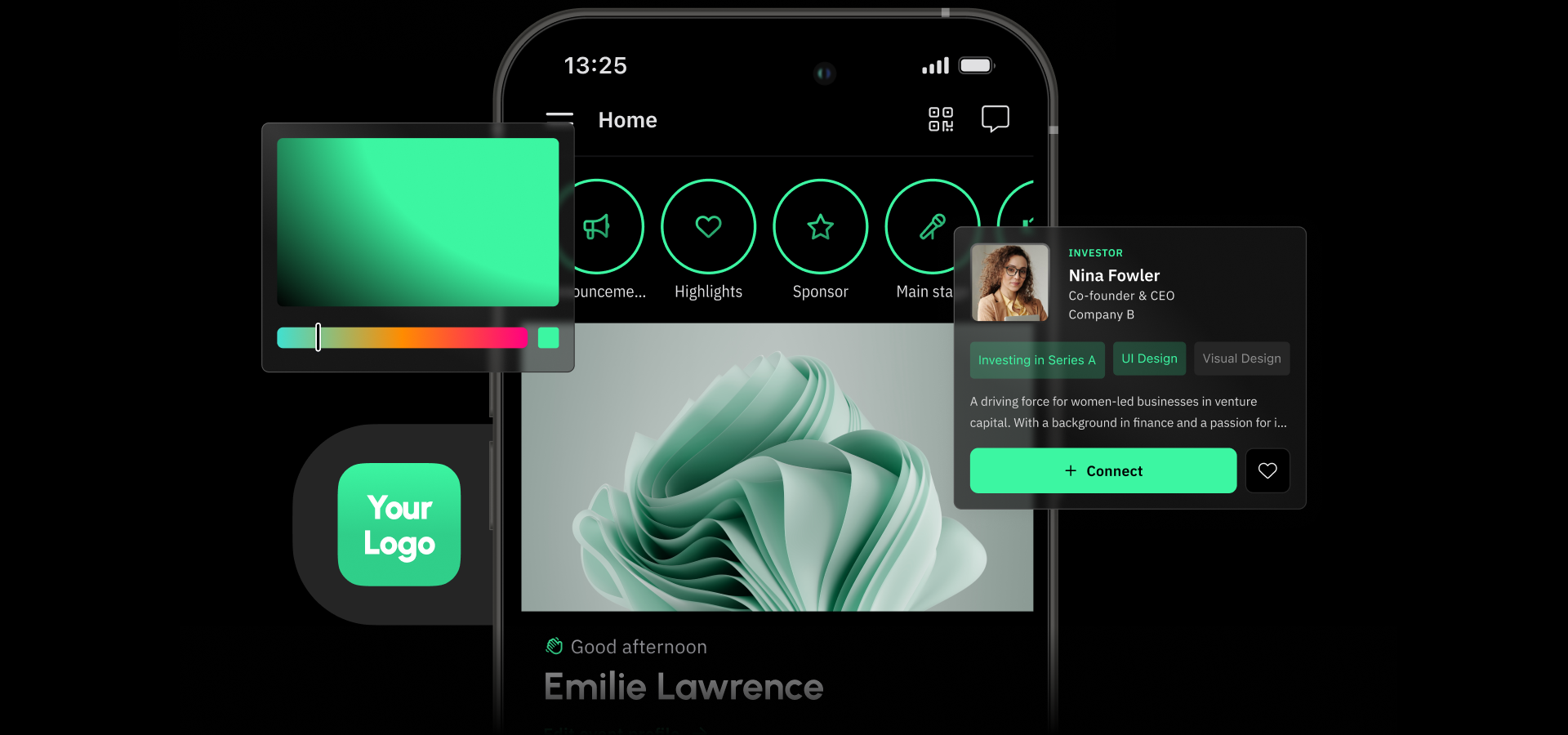
The Guidebook app is a simple, drag-and-drop event platform that enables event managers to manage registrations, streamline event communication, and engage attendees.
The software offers a classic set of features necessary to seamlessly execute various kinds of events, such as conferences, alumni affairs, or other university events. It’s a great solution if you need a flexible platform that allows users to make last-minute changes.
Guidebook also shines in terms of integrations – the platform provides an open API and integrates with CRM, event registration, and marketing software such as Salesforce, Zapier, Eventbrite, Marketo, and Mailchimp.
The app allows newcomers to import event information from Cvent and Stova. So, when you want to migrate from Cvent or Stova to Guidebook, you can simply import session details and attendee data directly into the platform. Very convenient!
But the platform isn’t perfect – which is why you’re here. So, first, let’s go over the reasons why event managers are switching from Guidebook, and then the 6 best Guidebook alternatives based on those reasons.
Disclaimer: All information presented in this article is derived from publicly available sources and does not reflect personal opinion.
🤔 What is the Guidebook event app?
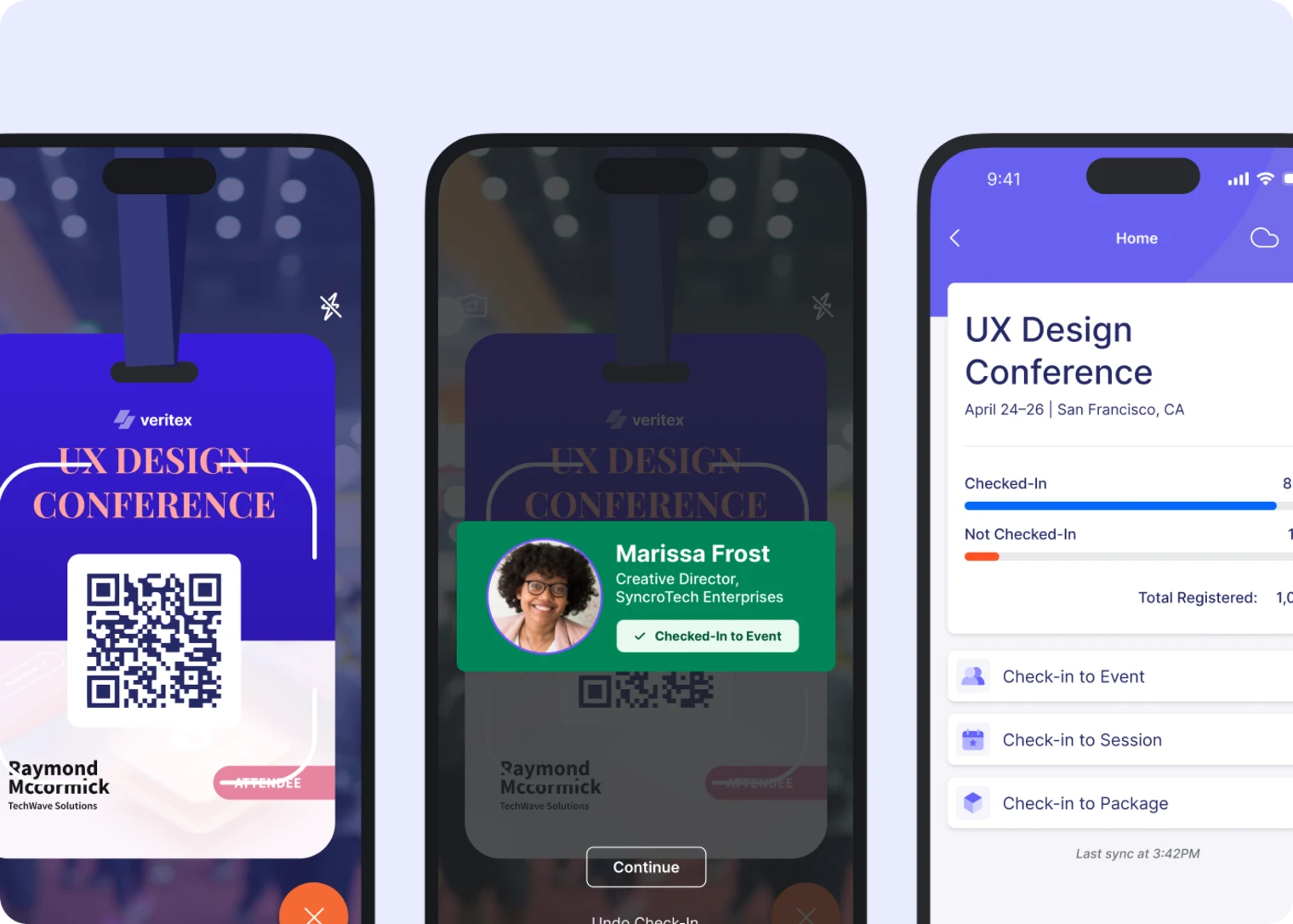
Guidebook offers classic features for event planning, engagement, and evaluation. Before the event starts, the platform offers registration, check-in, and ticketing. For event promotion, features such as an event marketing website help event managers better market their gatherings.
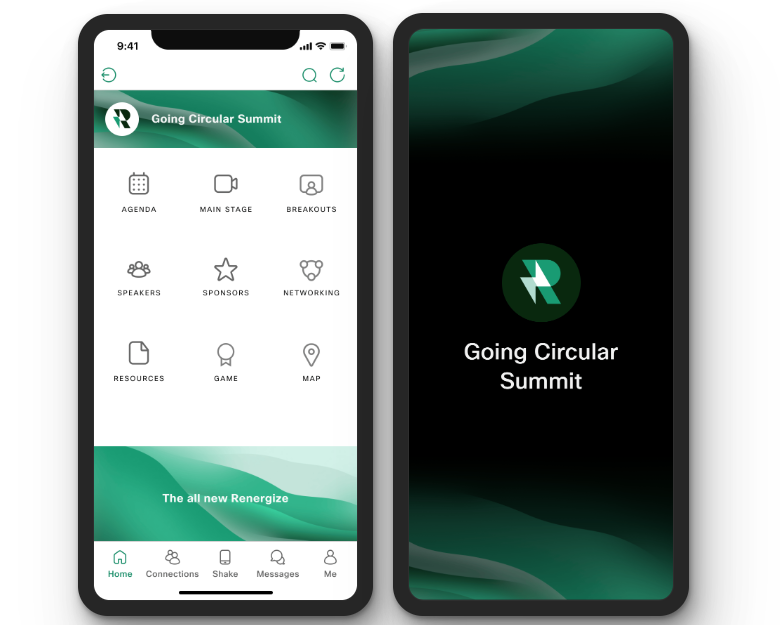
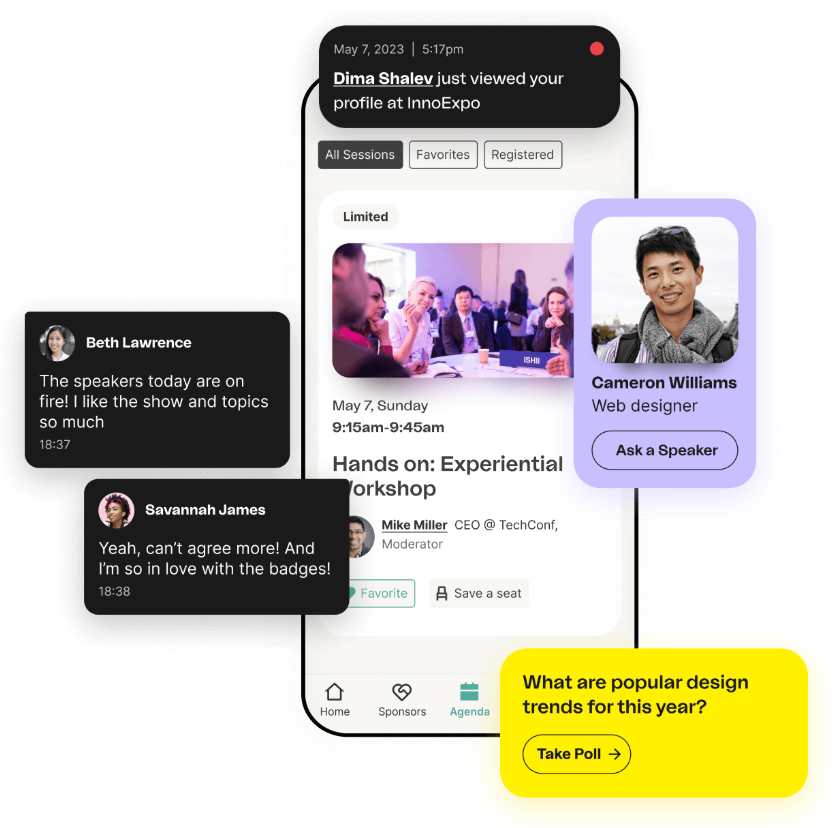
During the event, a dedicated app provides a convenient hub for all event information, engages attendees through gamification and quizzes, and supports networking with a 1:1 meeting scheduler.
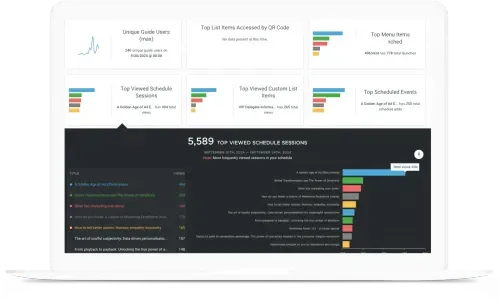
After the event wraps up, Guidebook’s actionable event analytics, including usage metrics, engagement dashboards, and surveys, help event managers evaluate their event's success and make data-driven decisions for their next projects.
Source: Guidebook.com
💵 How much is Guidebook event app?
Guidebook offers transparent pricing with four different pricing plans, starting at $1,999 for a small event. The package includes an event app for up to 200 attendees, an event management workspace, badging, registration, a web app version, and an event marketing website.
If you are hosting more than 200 attendees, Guidebook’s Event pricing plan, starting at $3,750, is a great option. But it isn't explicitly clear if this pricing applies to a single event or a subscription model. To avoid surprises, I suggest reaching out to their team for clarification.
For those interested in a year-long subscription with continuous app access, Guidebook offers a ‘Year-round’ licence starting from $4,750 with everything from lower tiers and unlimited features.
It’s important to mention that Guidebook’s pricing is scalable, meaning the price changes based on your needs – a small event with 100 people pays significantly less than a conference with 10,000.
👩🏼💻 Why event managers look for Guidebook alternatives
The Guidebook event app is primarily praised for its easy setup; however, users are conflicted. They mostly say it’s very user-friendly, but some also say that the learning curve is challenging, as initial setup and navigation can be confusing and unintuitive.
Users also appreciate Guidebook’s prompt customer support. However, there are a few drawbacks that make Guidebook less ideal for certain audiences.
1. Limited customization
Custom branding is a very important part of any event. Event leaders want the event apps to feel like theirs, remain professional, and stay polished.
While Guidebook offers various custom branding options, customers often cite the lack of customization on the event web page or in the mobile app as insufficient.
2. Cost Concerns
No event tech vendor is immune to the 'it’s too expensive' feedback. Guidebook is no exception. We get it – budgets are tight, and it’s becoming difficult to justify the high cost of your total toolset. 46.3% of event professionals consider lowering the costs of events the biggest challenge they face.
3. Steep learning curve
Creating a user-friendly tool that meets the needs of everyone can be very difficult. Guidebook’s customers seem to be conflicted – with one side praising its ease of use and the other saying the platform has a steep learning curve.
This can significantly complicate the event planning process as it can be difficult to make last-minute updates.
🔓 What are the best Guidebook alternatives?
While Guidebook offers a variety of good event features, it might not suit everybody. So let’s have a look at the 6 best Guidebook alternatives.
Disclaimer: Each software is assessed based on user reviews on G2, Capterra, and other software marketplaces, not on personal opinions! Information about each product was derived from publicly available sources.
Comparing all the features and pros and cons of event management platforms can be overwhelming, so we created this table of best use cases, standout features and specialities to make it easier for you.
Guidebook alternative
Best for
Standout features
Known for
Eventee
Small to mid-size corporate events, non-profits, university gatherings, government summits, and conferences
Sleek and interactive event schedule, networking, and registrations
Ease of use, intuitive event app, clean and professional look, and attendee engagement
Webex Events
Global hybrid events, large-scale trade shows, and summits
Production studio and real-time audio translations
Security and privacy, a stable network for virtual events
Overall rating: 4.8 G2, 4.8 Capterra, 4.9 Apple Store, 4.6 Google Play
Pricing: cost-effective solution with a transparent pricing policy
Customer support: Eventee’s self-service approach ensures event managers don’t need to contact customer support for every little detail. But if needed, Eventee offers help via email, the knowledge base, and chat. The team also offers free onboarding and has a dedicated account manager.
Integrations: ticketing services (Eventbrite, GoOut, TiTo, Mitingu), Google Analytics 4, streaming and video hosting (YouTube, Vimeo, Twitch, Facebook Live, Zoom, SlidesLive, Whereby), online meeting tools (Google Meet, Microsoft Teams, Skype,...), Zapier, Mailchimp. The platform also provides a public API.
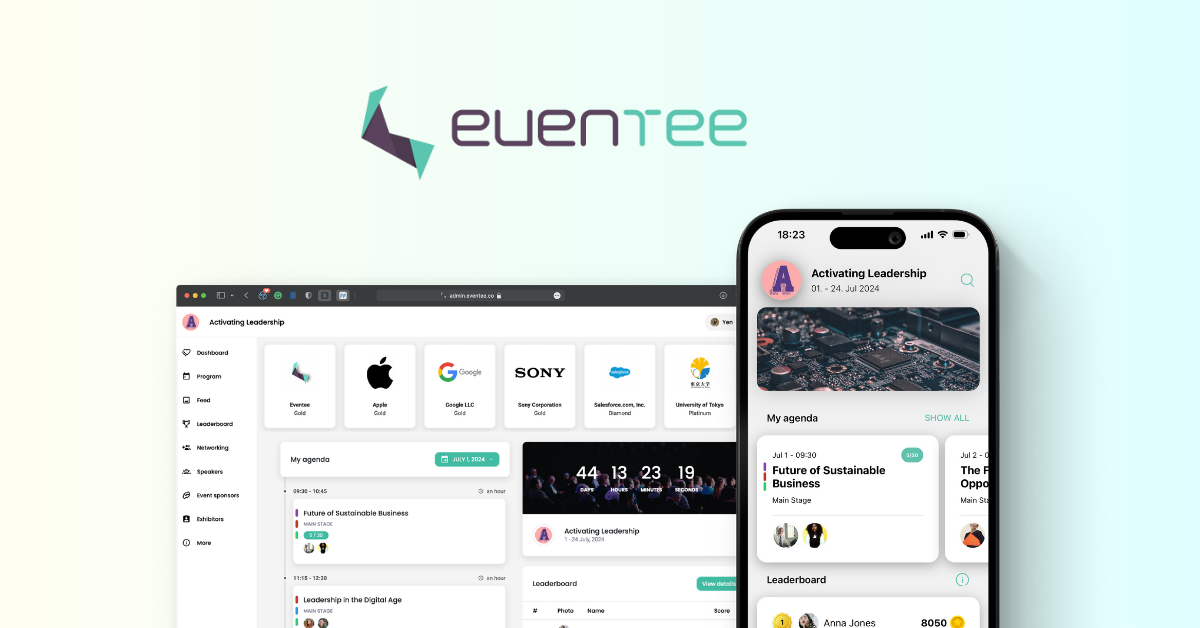
Eventee is an end-to-end event platform that equips event leaders with the tools to seamlessly execute their events from start to finish. Whether it’s collecting registrations, scanning tickets with a check-in app, engaging attendees during sessions, or evaluating event success, Eventee can do it all.
But what makes it stand out is the extraordinary ease of use and fast implementation – Eventee boasts about helping event organizers set up an event app in under an hour, including a multi-track schedule.
Eventee team’s goal is to simplify event planning. That’s why the platform is equipped with the classic features the majority of event managers need, each set up in a few clicks. It’s a platform for event organizers who want to be in control without wasting too much time figuring out how the event app works.
So if you need a more complex solution and have niche-specific requirements for its capabilities, Eventee might not be the right fit. Luckily, the platform offers an unlimited free trial where you can try out everything and see how it fits before committing and paying the bill.
Why Eventee is the top Guidebook alternative
While each platform on this list is a great alternative to Guidebook, there are a few things that make Eventee stand out compared to other solutions.
#1 Similar set of features for various use cases
As an end-to-end solution, Eventee offers features designed for the before, during, and after stages of event planning. Let’s break them down.
The software offers features similar to Guidebook, making it an ideal alternative. It’s typically used by small to mid-size organizations that host multiple events per year. But it’s also very common at single-event conferences.
Eventee’s clients include universities, corporations, non-profits, event agencies or government organizations.
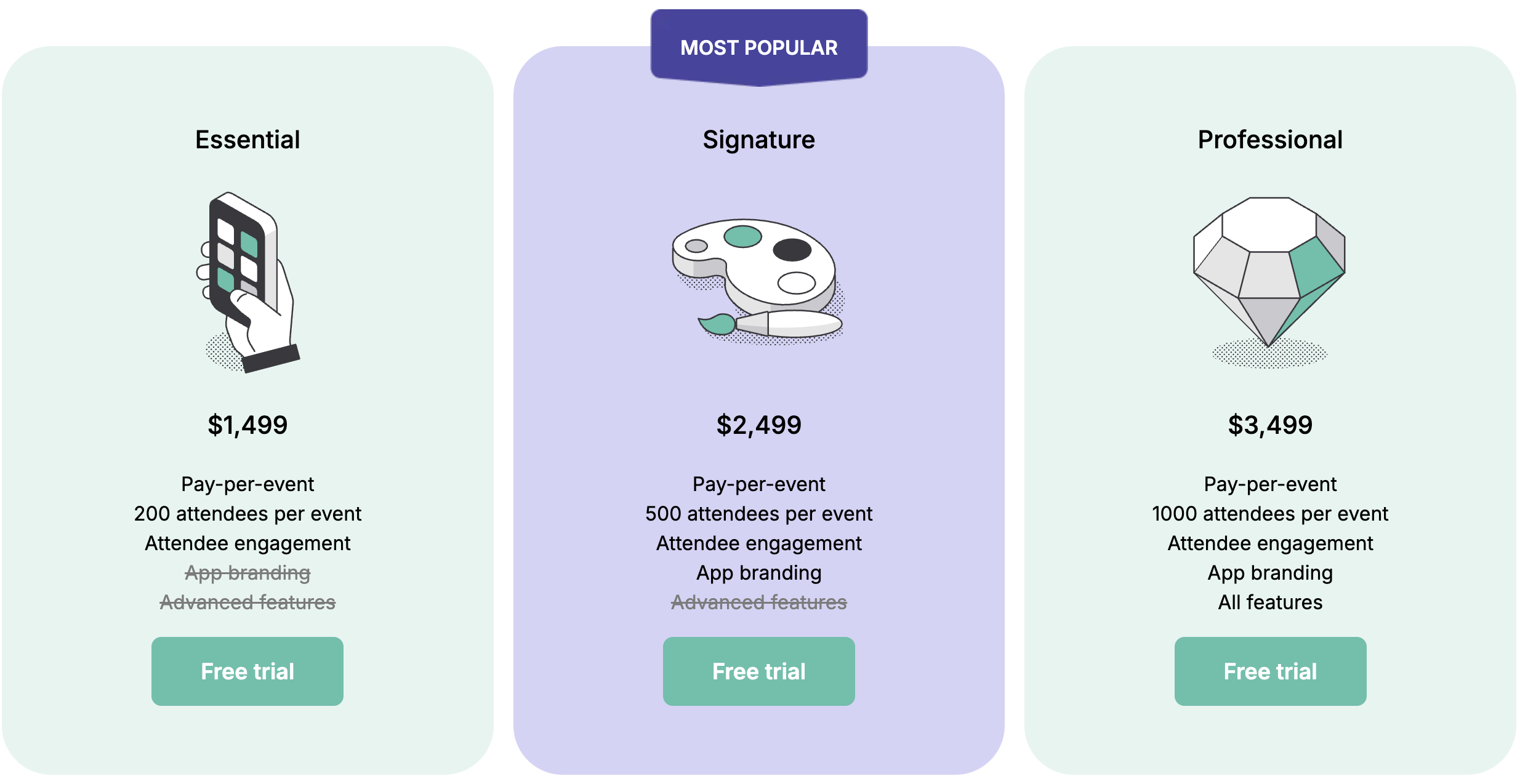
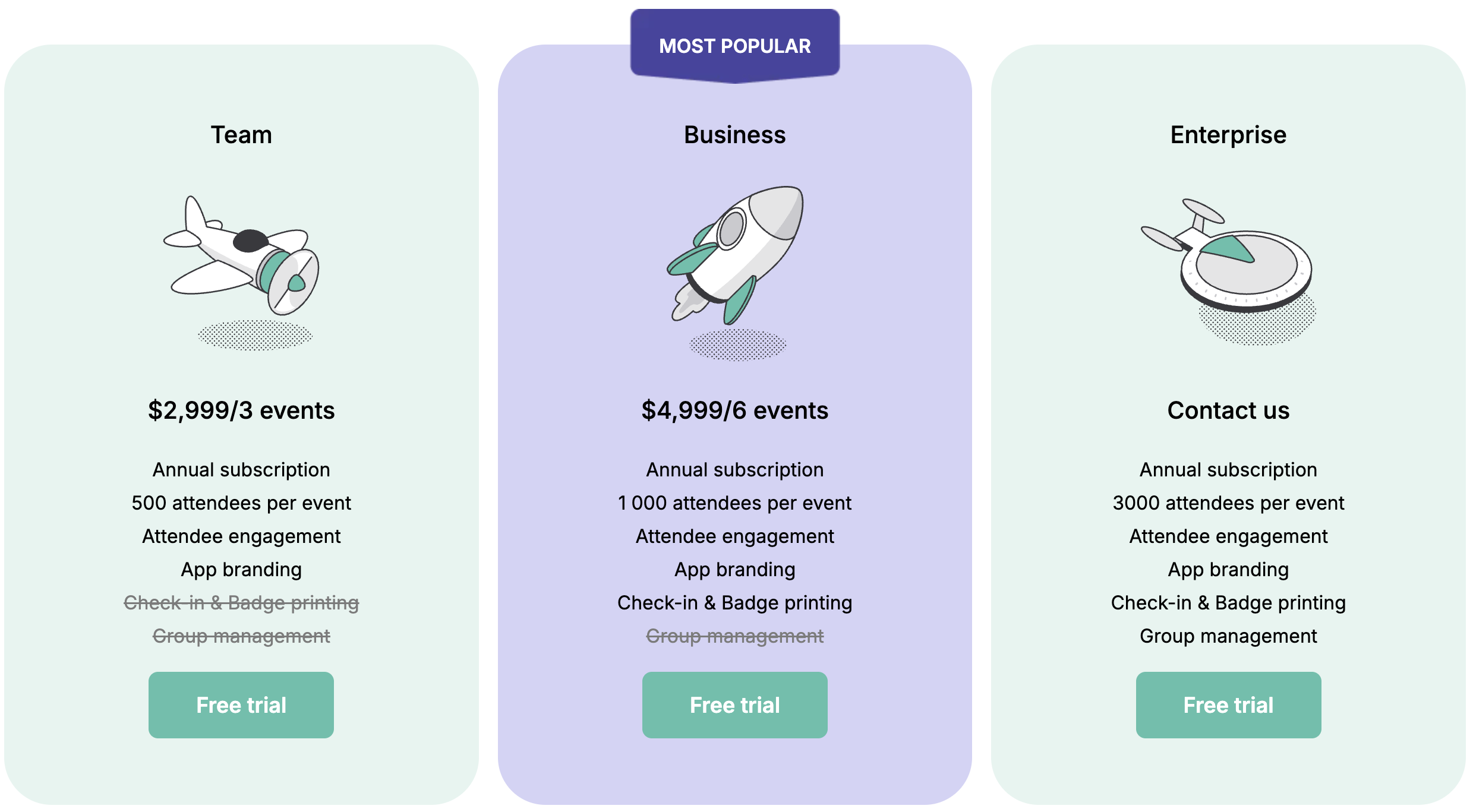
#2 Transparent and accessible pricing
Let’s be clear, event management platforms are considered, in general, very expensive. But Eventee is actually one of the most accessible event apps on the market!
Its dynamic pricing gives you control over what you pay for, so you can add any feature or deactivate those you don't need, meaning you’ll easily figure out what is most convenient for you.
#3 Intuitive interface, suitable even for beginners
Eventee takes a self-service approach, which basically means that event organizers create and manage their event apps by themselves.
While custom support is available to help as a safety net for more complex needs, the software is designed to be intuitive enough to manage entirely on your own.
This can be especially useful when making last-minute updates. Imagine your event starts, and a keynote speaker misses their flight. Suddenly, you have a 60-minute gap in the main ballroom and 1,000 bored attendees.
You’re trained to deal with critical situations like these, but you need to inform your attendees and adjust the schedule accordingly. With platforms like Eventee, it’s much easier to do so than to contact customer support for every little detail and give up midway with more complex solutions.
The platform is very suitable for first-time event organizers getting familiar with event tech, as well as for busy CEOs who just want to get work done quickly and efficiently.
Some of Eventee’s clients are so quick that they have their event up and running in under an hour.
#4 Clean and minimalist look
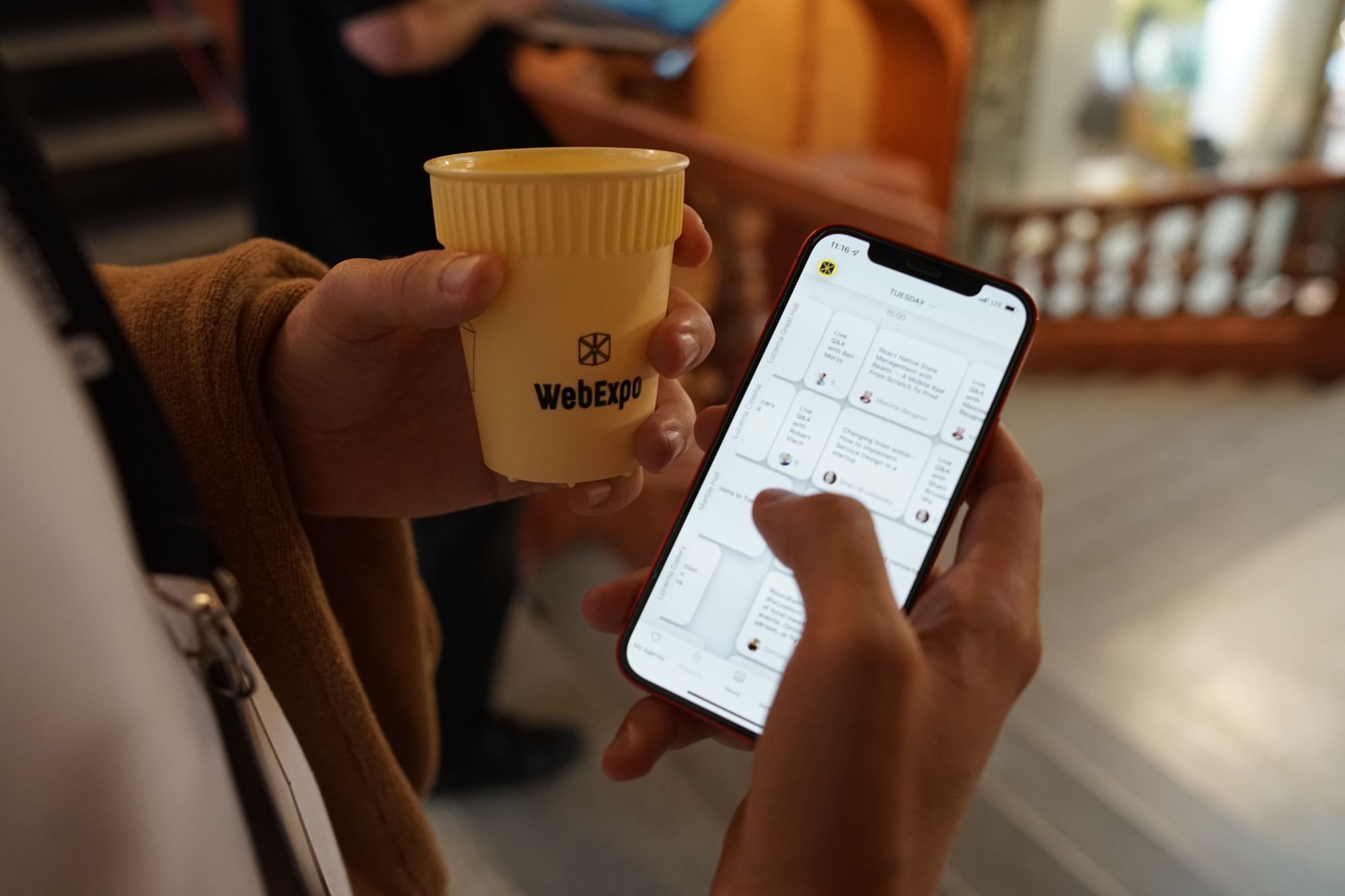
Eventee is often praised for its simple, clean design, which makes events look polished and professional. Since the team focuses on ease of use rather than clutter, the app’s UI is a top priority as well.
This is what one of Eventee's clients said about the event app’s design:
The event app provided a professional experience with refined user-friendliness and design, allowing us to present events in a polished manner.
Anna Paula Rodríguez
Communications Specialist at Atlas Copco
Despite its seemingly innovative appearance, the event industry is, at its core, still a bit conservative and traditional. So the majority of the event apps on the market also look a little outdated. This is where Eventee stands out.
Pricing: non-transparent pricing – for more information, interested individuals need to contact their sales team
Customer support: chat, knowledge base, public community, and Webex status space where the Webex team informs about outages, personalized help, and expert chats for higher-tier subscriptions
Integrations: truly rich set of integrations with major platforms for registration like Cvent, Eventbrite, RegFox, or streaming like Zoom, YouTube, LinkedIn Live, Facebook, Twitch, and more
Webex Events, formerly known as Socio, is a full-scale event management platform designed for massive conferences, trade shows, or multi-day summits.
The platform offers traditional features, necessary for event planning, such as registration or check-in, and a mobile event app with engagement features, which makes it a great alternative to Guidebook.
It’s part of a larger company, Cisco, which includes specialized tools such as Webex Webinars and Webex Meetings. Because of its video-conferencing tools, Webex Events is also a great fit for hybrid and virtual events.
Webex Events is praised for its excellent attendee management, but some also consider the learning experience challenging, especially for non-tech-savvy individuals.
Pricing: starting at $17,999 per year for a minimum of 3 users; $499 per user per month (billed annually).
Customer support: pre- and post-event success calls, call-back support, access to a 24/7 support team
Integrations: open API, Slack, Mailchimp, Zapier, Salesforce, Hubspot, Marketo, Vimeo, and many more.
Bizzabo is a robust event software with a rich product suite that includes event registration, website, agenda editor, networking, email and marketing management, and more.
The platform also offers so-called Klik badges, which facilitate attendee networking and simplify lead capture. Bizzabo is a sleek, feature-rich solution that excels in security and customer service.
Users praise Bizzabo for its comprehensive event management capabilities but mention restricted customization options. The platform is also a bit on the pricey side of event management software.
Bizzabo’s pricing lists one subscription plan with unlimited events and various features, which doesn’t leave much room for self-service customization. It can feel a bit restrictive, but event managers can talk to sales to negotiate the right solution.
Pricing: admin-based subscription model, $11,800 per year for Professional plan with one user, unlimited events and registrations, check-in app, integrations, and custom domain; for plans with more requirements, those who are interested need to contact the sales team
Customer support: in-house support that allegedly responds “in 15 minutes or less”
Integrations: 30+ integrations, including Salesforce, Zapier, Hubspot, Marketo, Google Analytics, Vimeo, and more
Swoogo is an event management platform equipped with tools to help event organizers host events from start to finish – registrations, badge printing, hotel management, event marketing, call for speakers, and more.
It’s especially known for its drag-and-drop website builder, which lets customers quickly create responsive event sites, and an open ecosystem of 30+ integrations to seamlessly switch between tools within your tech stack.
The platform is praised for its responsive customer support. And rightfully so! Swoogo offers a dedicated in-house support team with 24/7 worldwide coverage.
And as with any robust tool, users say it takes time to learn all the features and navigate through, especially for beginners. Its price is also quite steep for smaller to mid-size events.
Integrations: number of integrations, namely Eventbrite, Hubspot, Salesforce, Zapier, Mailchimp, Slido, public API, and more
Brella is a networking-first platform designed to make sure attendees actually meet the right people. While the software offers a range of features, from registration and sponsorship management to analytics, it’s mainly known for its AI-powered networking feature.
The networking is based on intent: attendees fill out their profiles with interests and intents, and the app suggests not only relevant matches but also sessions or products.
The platform also offers numerous embeddable, customizable widgets for any website and detailed analytics to evaluate the event data.
Users praise its matchmaking capabilities but say the app can feel cluttered during larger events.
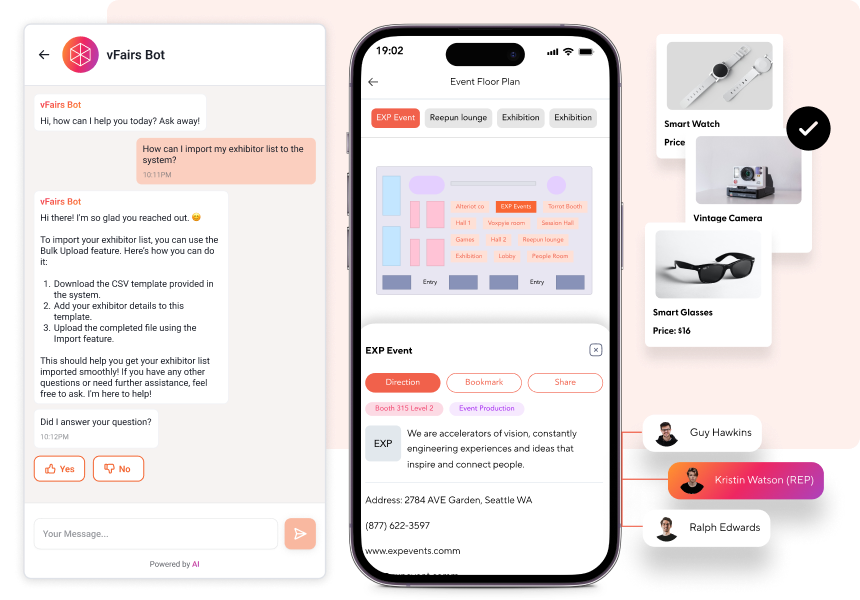
vFairs is an event management software designed primarily to deliver an immersive, versatile virtual event experience. But it’s suitable for in-person events as well.
The platform focuses on replicating the physical experience of an event. With its 2D, 3D templates and avatars to customize exhibitor booths, it’s a great solution for trade shows, job or education fairs, and conferences.
From registrations and badge printing to the mobile event app, lead capture app, and abstract management, vFairs is a truly versatile solution for various use cases.
Its users especially value responsive customer support, which guides them through the event planning process.
But they also mention that the backend is very complex and hard to navigate. This can be particularly challenging for beginners or first-time users who are just familiarizing themselves with event tech.
Key takeaways
Event managers typically seek alternatives to Guidebook due to limited customization, cost concerns, and a steep learning curve. So they often turn to alternatives like Eventee, Webex Events, Bizzabo, Swoogo, Brella, or vFairs.
Whichever event management platform you choose will be a great addition to your amazing event. But it all comes down to what your needs are. Each software is best for different aspects of event tech. So let’s sum it all up!
Eventee excels at ease of use and event engagement. The platform focuses on minimalism and intuitive UI so while you may not find every little feature on there, you’d best be sure to easily find your way around.
The software also started out as an event engagement platform, so it’s a great option for driving participation and seamlessly informing attendees.
Webex Events values security and privacy so it’s very suitable for security–conscious corporations.
Plus Webex Webinars, users appreciate its video and live-streaming capabilities. But they often say the platform can be challenging to navigate.
Bizzabo’s Klik SmartBadges are great tools for in-person networking because attendees can exchange contacts with a simple click of their badges. As it is a robust and complex platform, it can be quite pricey for smaller to mid-size organizations.
Swoogo is known for its drag-and-drop event site builder which users find very intuitive and customizable. Its pricing plans are also great for scalable events since they charge per user, not per attendee. The platform is praised for its responsive customer support but said to be generally challenging to navigate.
Brella stands out in AI-powered networking and matchmaking capabilities. But users also note that the platform can feel cluttered during larger events.
vFairs shines in replicating the live experience of physical events on virtual exhibits or fairs. But the platform’s backend can be complex.
Author
Viktorie Motlochova
As a marketing specialist in my fourth year in event tech, I write data-driven articles about hosting events. My team and I interviewed thousands of event professionals to understand their real pain points and needs, and turn that into content people actually use to achieve their event goals.