Event planning can be very stressful sometimes; luckily, there are so many great event management tools on the market that can make you work more efficiently and keep you from going crazy at the same time.
They often come with a hefty price tag, but there are exceptions with free trials or generous, cost-effective plans that won’t burn a hole in your pocket! This article is focused mostly on those.
So here are the 17 best event management software and tools with detailed breakdown of pricing, only free or freemium tools or platforms with transparent and accessible pricing!
⚙️ What is event management software?
Event management software is a platform that helps event managers host and organize events like conferences, summits, expos, trade shows, networking events, orientations, and more.
Each of these tools is typically focused on a specific part of event planning, like registrations, attendee management, event marketing, or engagement. But there are dedicated event management tools that cover every aspect.
📍 How to choose the best event management software?
It all comes down to what type of event you organize and what your preferences are. Do you need an easy-to-use event platform? Do you want something to engage your attendees? Or perhaps a tool for live streaming?
At the end of this article we break down the most common event types and what event management software is the most suitable for them. So stay tuned!
💬 How is each event management tool chosen for this article
Based on interviews with seasoned event professionals, we wrote down aspects of event planning and searched for tools that would cover them.
If you don’t want to juggle multiple apps and get lost in the event hustle, all-in-one event management software is the best choice for you because they typically cover each part of event planning.
However, some popular all-in-one event management software are too expensive, or they don’t offer transparent pricing, so you cannot learn about the costs without contacting someone and being bombarded with countless marketing emails and false promises.
That’s why this article summarizes only platforms with transparent, accessible pricing (either free tiers or very generous plans at low prices).
Each platform includes ratings on marketplace sites like G2, Capterra, GetApp, and Software Advice. Pros and cons of each mobile event app are based on user reviews on G2, Capterra, TrustRadius, Software Advice, or other software review sites, not on personal opinions.
🚀 17 best event management software and tools
Free or affordably priced tools span all-in-one platforms (Eventee, EventMobi, Sched), registration & ticketing (Eventbrite, Tito, RSVPify, Google Forms), engagement (Slido, Mentimeter, Yapp), marketing (Beehiiv, EmailOctopus, HubSpot, Buffer), streaming (OBS Studio), and project management (Trello, Notion).
Just a quick heads-up: The details in this article were gathered from public sources and are accurate to the best of our knowledge. However, software platforms change fast, so there might be occasional errors or outdated info. We recommend checking each platform's official website for the absolute latest details.
To make it even easier for you, we've created this comparison table:
All-in-one event management platforms with transparent pricing
1. Eventee
Eventee is a comprehensive, end-to-end (or all-in-one) event management software designed to help leaders host all kinds of events or conferences from start to finish. Thanks to its self-service approach, event managers collect registrations, build an event app, and evaluate event performance entirely on their own.
Most event management software are robust and complex, which can lead to endless calls and back-and-forth emails with customer support trying to figure out how it works. While support is available to Eventee users, the event management platform is built to be so effortless to use that even beginners can navigate it.
Eventee is typically used by companies like Atlas Copco to deliver internal retreats, annual small-to-midsize conferences, or by non-profit organizations for community meetups and investment gatherings.
Whereas popular event management platforms hide their real prices and features behind sales calls and empty promises, Eventee is upfront from the start about what it can and cannot offer. So let’s go over some of the key features that are Eventee fan-favorites.
Popular Eventee features
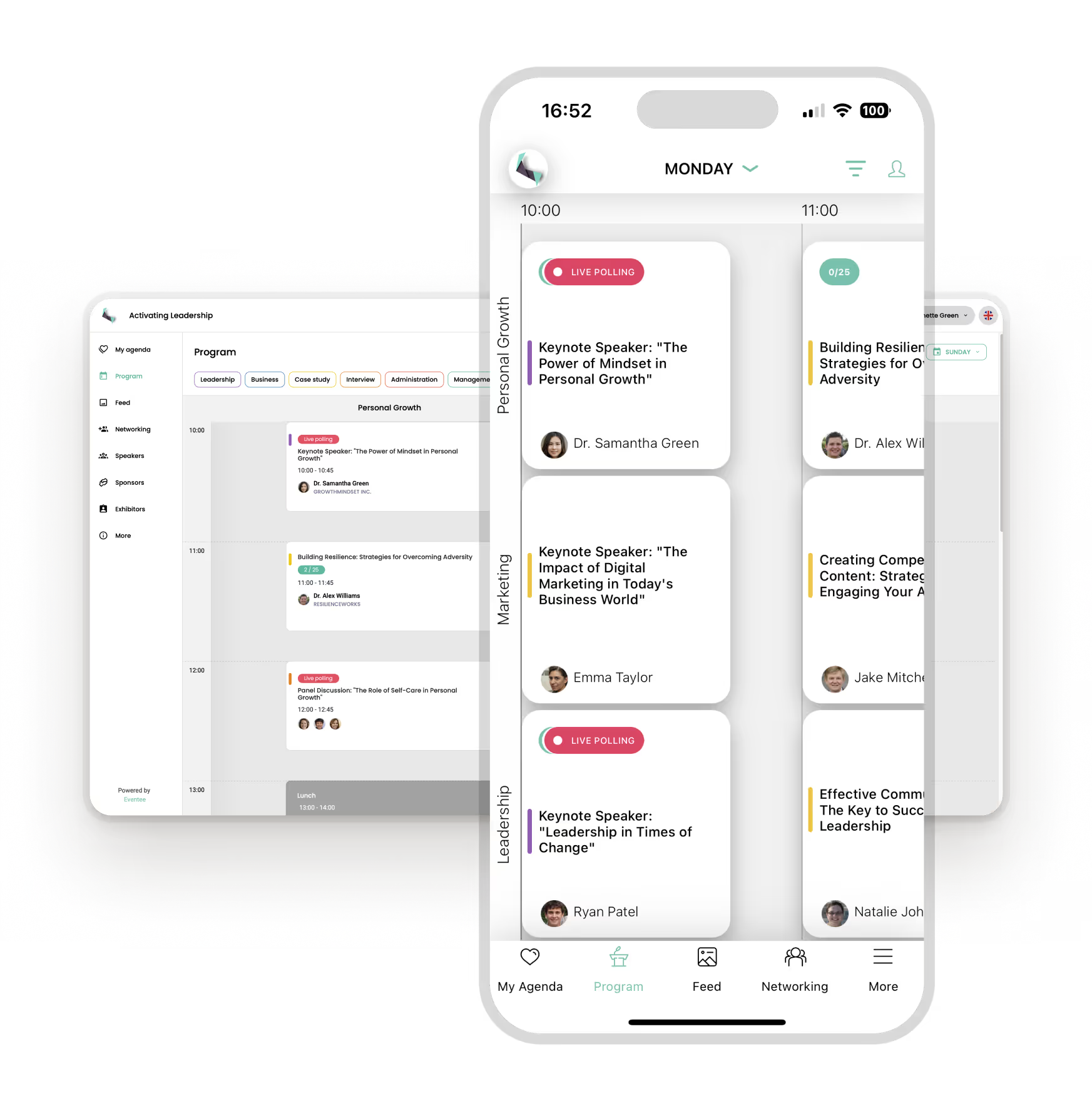
Registrations with custom forms – Eventee registrations allow users to send out invitations with RSVPs and custom forms to attendees. They can easily confirm their attendance and fill in the necessary details you need, like dietary preferences or other requirements.
Check-in app and badge label printing – A dedicated check-in app helps your team scan tickets and track attendance securely and effortlessly.
Agenda management – Eventee users can easily create complex multi-track schedules that don’t give attendees headaches. And with a recently added feature – agenda upload – users can create an agenda in under a minute by uploading a file.
Event app – Some of Eventee’s long-time users have built a dedicated event app with engagement features in under an hour. Popular engagement features include networking, live polls, social wall, or gamification. The event app enables event managers to collect valuable feedback, update attendees on the go, and make changes in real-time.
Best for
Eventee is a great event management software for those looking for a platform that isn’t a strain on their work and is easy to use. This essentially means it offers a comprehensive, clear set of features – no nonsensical or useless niche features - so the platform remains functional and intuitive.
That’s why it’s the most suitable for small to mid-size conferences, university events like open days, lectures or seminars, non-profits, corporate events like retreats, teambuildings, or event onboarding. But because of its limited complexity, it’s not well-suited for large, complex trade shows with hundreds of exhibitors.
2. EventMobi
EventMobi is an all-in-one event management platform covering in-person, virtual, and hybrid events.
In practice, it's used for tasks such as building event websites, running on-site check-ins, and badge printing. It’s also suitable for those looking for an event app with attendee schedules/networking, and tracking engagement data afterward.
EventMobi is popular with conference organizers, associations, and corporate event teams. It’s often used as a more affordable alternative to larger enterprise platforms like Cvent, as it can handle up to 5,000 attendees with no problem.
It’s praised for great customer support, but users also note limited customization options. Moreover, its pricing isn't very accessible compared to other tools on this list.
3. Sched
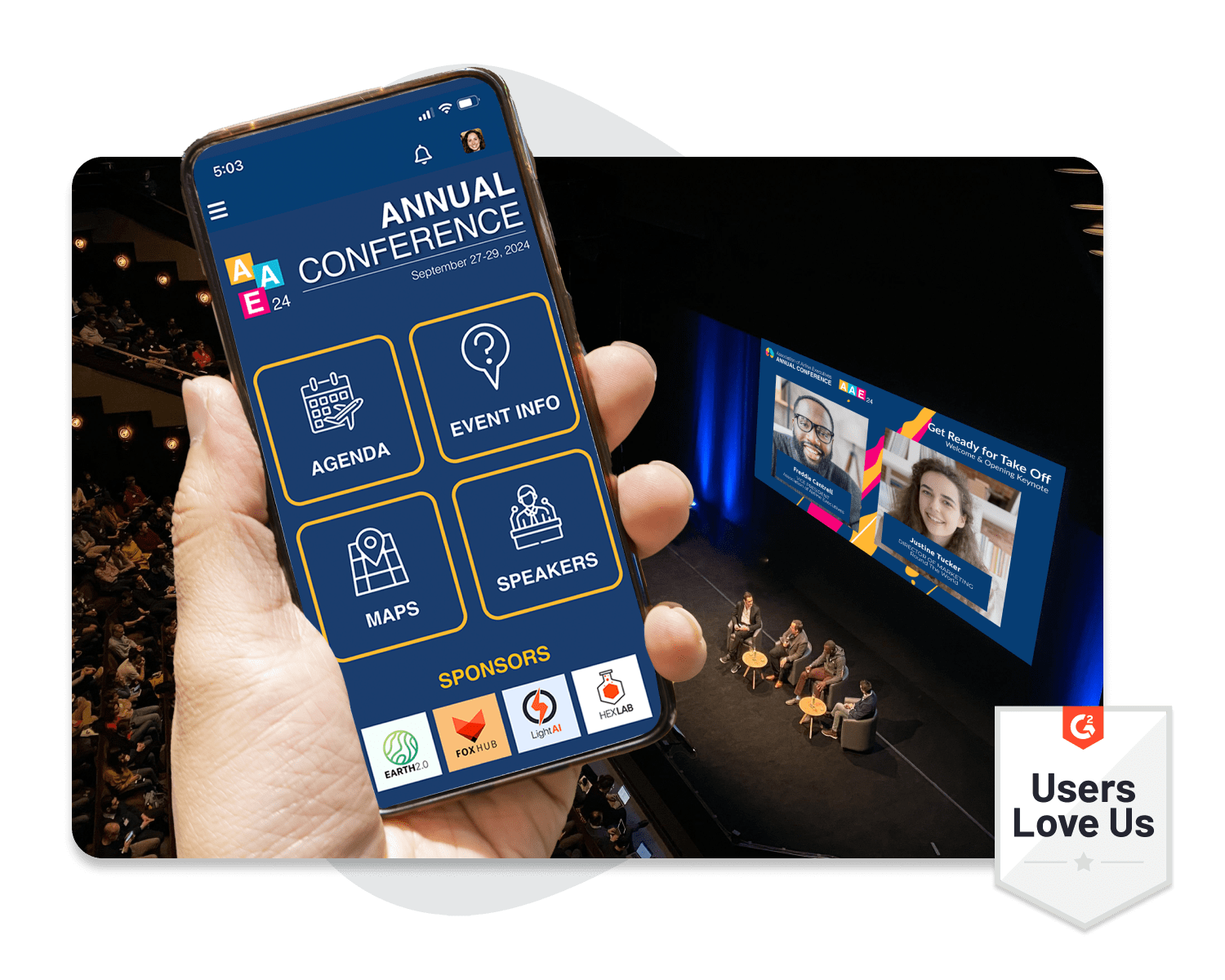
Sched is event scheduling and management software focused on building a branded event website and mobile app where attendees can browse sessions, build personal schedules, and connect with other attendees.
It includes web and mobile access, real-time updates and notifications, and a native branded app option for iOS and Android, and is designed for in-person, online, and hybrid events.
Beyond scheduling, the platform covers speaker management, registration and ticketing, sponsor/exhibitor tools, attendee networking, check-in, and reporting. It’s suitable for events like conferences, conventions, festivals, or seminars.
🗒️ Event registration & ticketing software
Tools for event registration and ticketing generally include features for seamlessly collecting registrations, managing registrants, and selling them tickets.
4. Eventbrite
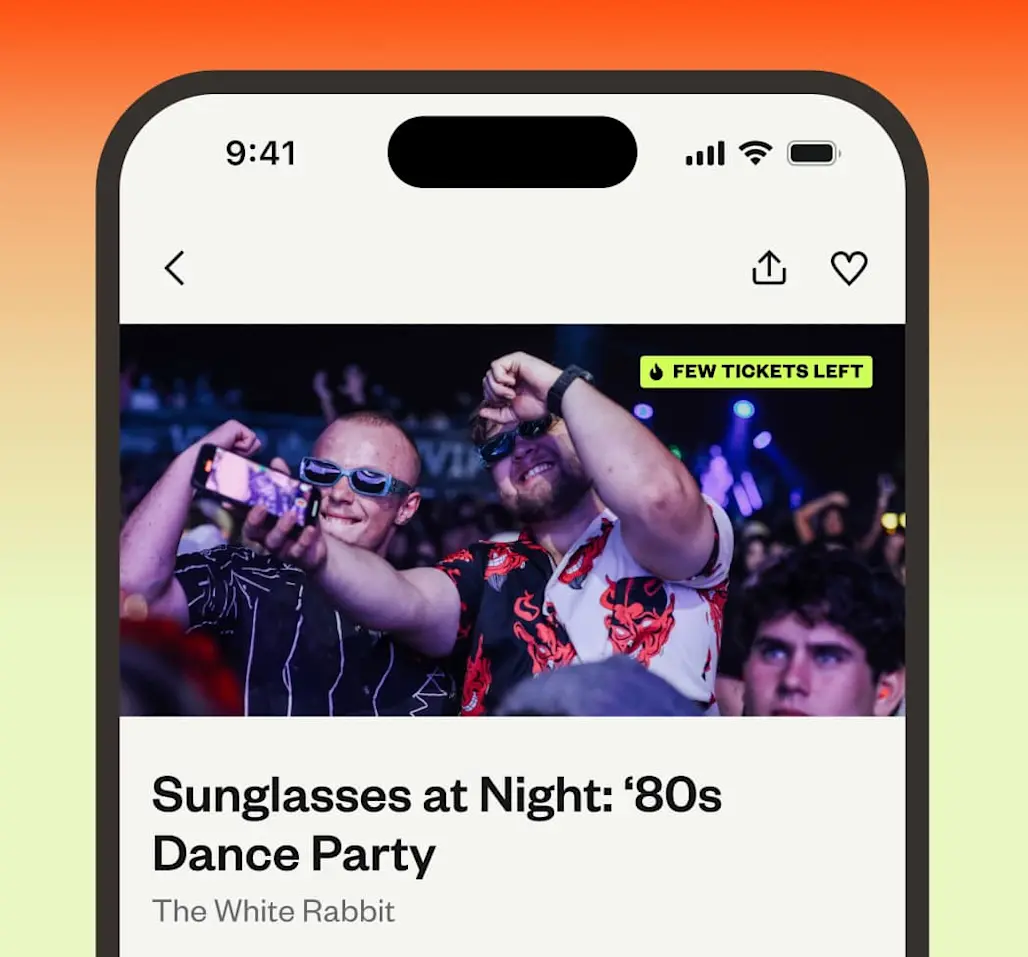
Eventbrite is a ticketing and discovery platform for events. Event managers can post their events for free and reach wider audiences on the events marketplace. After, they can collect registrations and multiple ticket types with pricing options.
Apart from that, it also offers comprehensive event promotion tools, including automated emails, ads, and social media tools, as part of the Eventbrite Pro subscription plan to help users publicize their events.
Eventbrite is suitable for events like festivals, concerts, Halloween parties, local gatherings, and nightclubs. But due to its main focus on ticketing and registration, it might not be a good fit for conferences with complex schedules, numerous speakers, and partners.
5. Tito
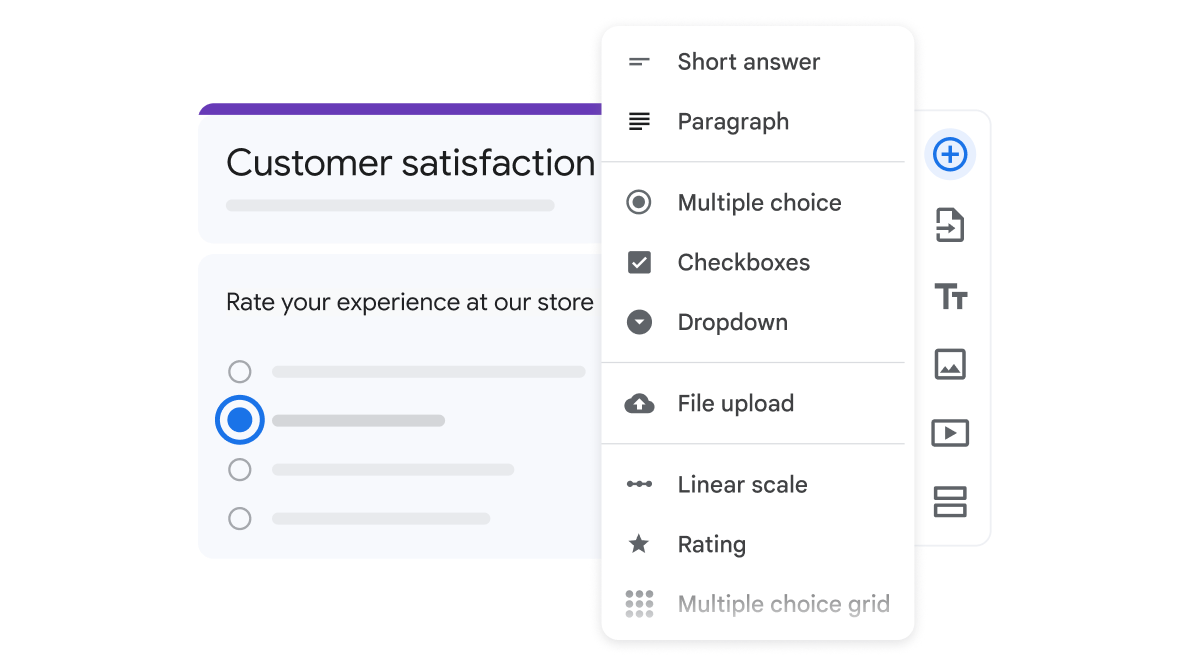
Tito is an easy-to-use event ticketing and registration platform that allows event managers to collect registrations and tickets. They say it’s so easy that users can set it up in under 5 minutes.
The platform tracks sales and your tickets return, all while supporting 15 languages. It also offers a customizable event page or embeddable widgets for the website and a check-in app.
It’s great for those looking for a platform that would help them sell tickets and manage registrations smoothly but it’s not very suitable for those needing all-in-one event management software.

6. RSVPify
RSVPify is primarily an event registration and ticketing platform. It offers tools for sending out customized invitations, collecting and managing registrations, and selling tickets.
From event check-in, seating chart maker, to event reporting, RSVPify is a complex hub for event management.
Its users praise the platform’s ease of use and great customer support but also mention limited customization options.
7. Google Forms
Google Forms is an online form creation tool part of the Google Workspace available to anyone with a Google account at no cost.
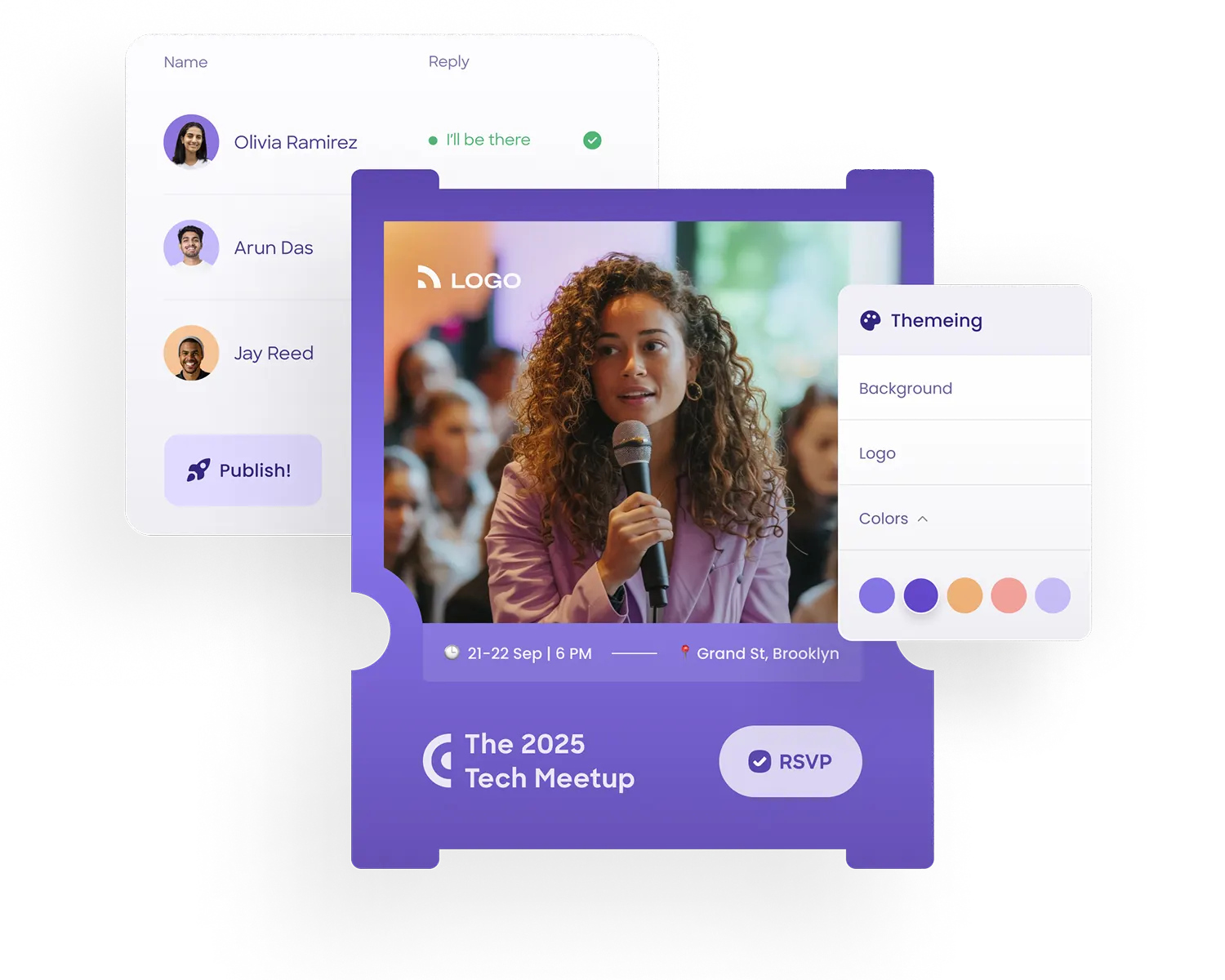
In terms of event management, it can build custom online forms, collect RSVPs and guest information, and export responses to Google Sheets. Users can visualize their event data and customize them to fit their brand.
Some event managers also use Google Forms to collect feedback from their attendees but they tend to have lower response rates.
Google Forms is secure, easy to set up and best of all completely free. But it lacks features some event registration software on this list offer like check-in or ticketing. It’s suitable for small free events that just need to get their work done fast.
Eventbrite vs. Tito vs. RSVPify
Now, let’s compare the registration software on this list and their prices to find which best fits your needs.
All three platforms take a percentage of each ticket sold, plus a fixed amount per ticket. They each also rely on a separate payment processor (Stripe, Paypal or their own) that adds another layer of fees.
But first, we need to recap the associated fees:
RSVPify:
- Platform fee: 1.9% + $0.90
- Processing (Stripe) fee: 2.9% + $0.30
Tito:
- Platform fee: 3% (capped ~$27)
- Processing (Stripe) fee: 2.9% + $0.30
Eventbrite:
- Platform fee: 3.7% + $1.79
- Processing fee: 2.9%
With all the percentages and fees, it can be hard to assess which will offer you the right features for the best value for your money. That’s why we created two simple scenarios to help you decide which one would fit your event best: scenario 1 includes an event hosting 1,500 guests with $900 per ticket, scenario 2 includes a small event of 100 guests and $50 tickets.
This table shows how much money the registration platforms and payment processors can take from every ticket sold, and what that adds up to in total. Bear in mind that the eventual number depends on how much it costs and how many tickets are eventually sold. In this scenario, RSVPify comes out as the most cost-effective solution.
Similarly, this table shows how much the registration platforms and payment processors can take from each ticket sold and what that adds up to in total. In this scenario, Tito comes out as the most cost-effective solution.
Of course, there are a number of other scenarios, so we would suggest calculating the best cost similarly to this table.
RSVPify comes out on top for larger events thanks to its low fees. Plus, it automatically upgrades you to their subscription plan for free, which offers numerous features helpful for event management.
However, if your events are free, RSVPify might not be suitable, as you’d need to use paid subscription plans for registration. Tito and Eventbrite work for free for events with no tickets, so they are great alternatives.
Eventbrite seems to be the most expensive one on this list, but it has a clear advantage over its competitors – notoriety with an incredibly high consumer audience reach. So posting your event on Eventbrite for free could give your event a significant boost.
Please bear in mind that these are hypothetical scenarios based on public information on the platforms’ websites, to better understand their fees. Their details are accurate to the best of our knowledge, so we’re not responsible for any inaccuracies.
🎯 Event engagement platforms
Tools for event engagement typically offer features such as Q&As, polling, quizzes, or surveys for easier audience interaction.
8. Slido
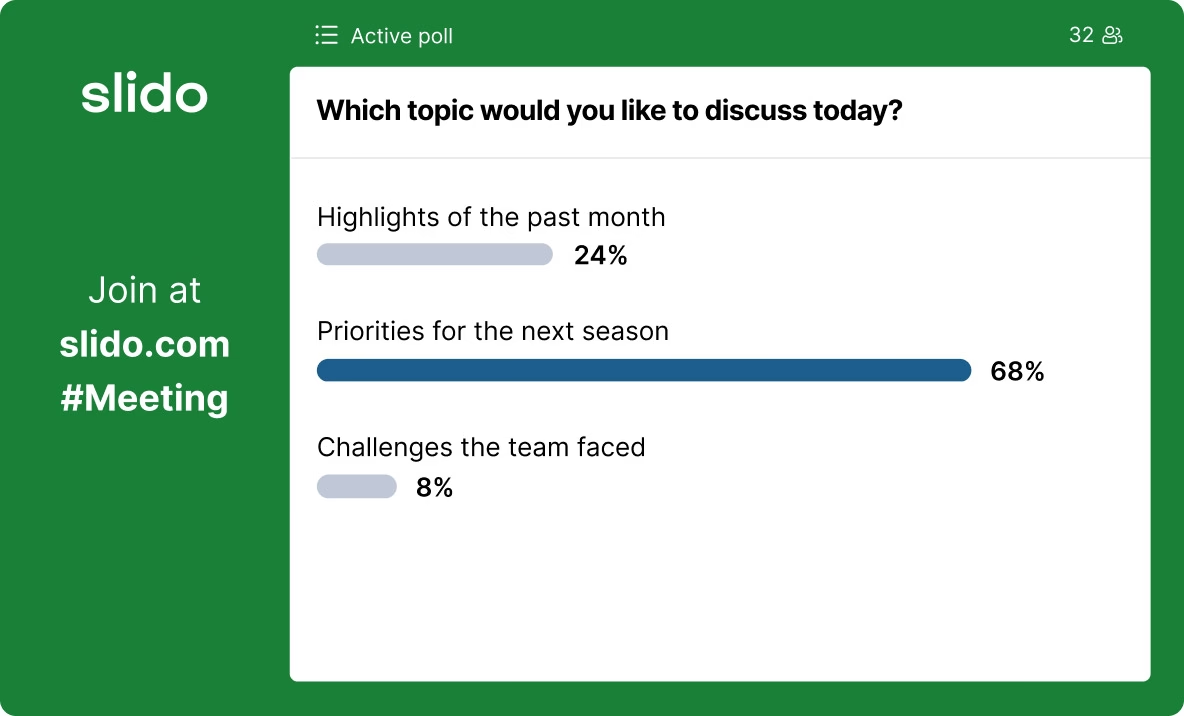
Slido is an audience interaction platform that offers Q&A, polling, and quiz features to engage participants at meetings, events, or conferences, whether in-person, virtual, or hybrid.
Its dynamic engagement features ensure all participants’ views and opinions are heard. It’s also a great solution for collecting honest, instant feedback through surveys.
Slido is a notoriously stable solution for attendee engagement. Plus, it offers a free plan, but it's quite limited, especially for events with dozens of sessions, where speakers need to engage attendees with more than 3 polls. So it can get quite costly for bigger and more demanding events.
9. Mentimeter
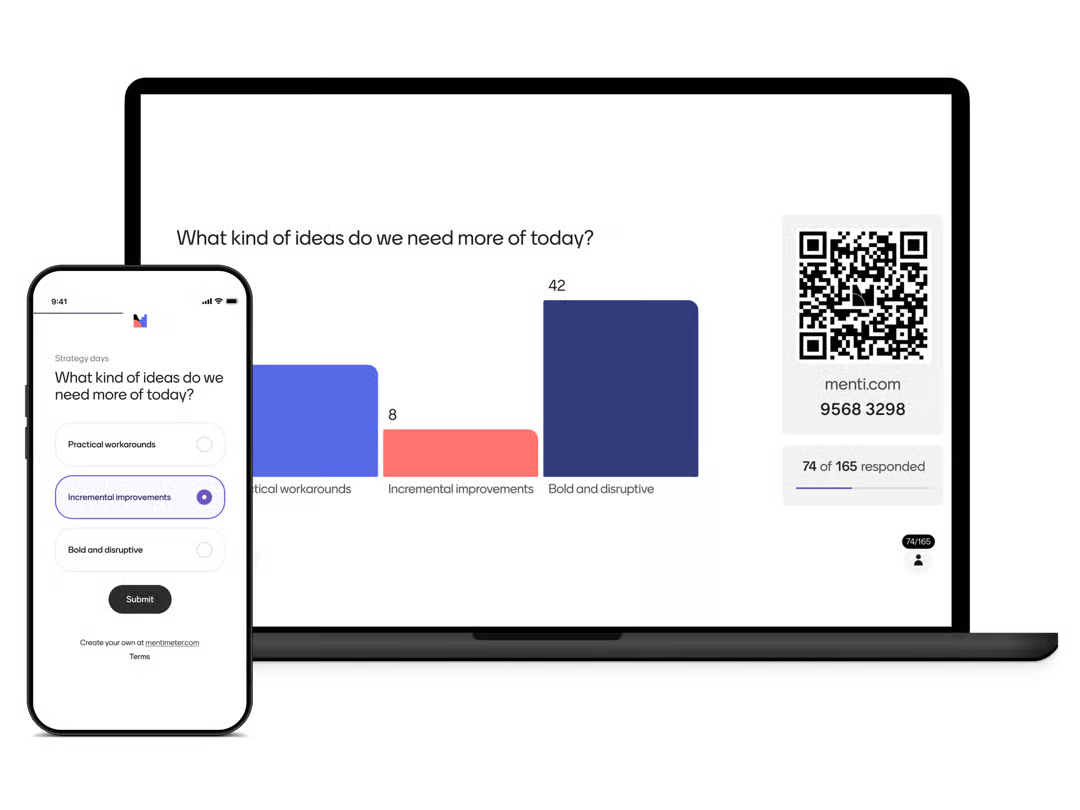
Mentimeter is an audience engagement platform for creating impactful presentations during lectures, meetings, or workshops.
It offers dynamic engagement features, like word clouds, live polling, quizzes, and Q&As, which make it incredibly easy to gather instant feedback and spark a debate among your audience.
Users, especially those who are new to the platform, appreciate its ease of use. Compared to Slido, the platform offers very similar features at a much more affordable price. But users find Slido easier to use, according to G2.
10. Yapp
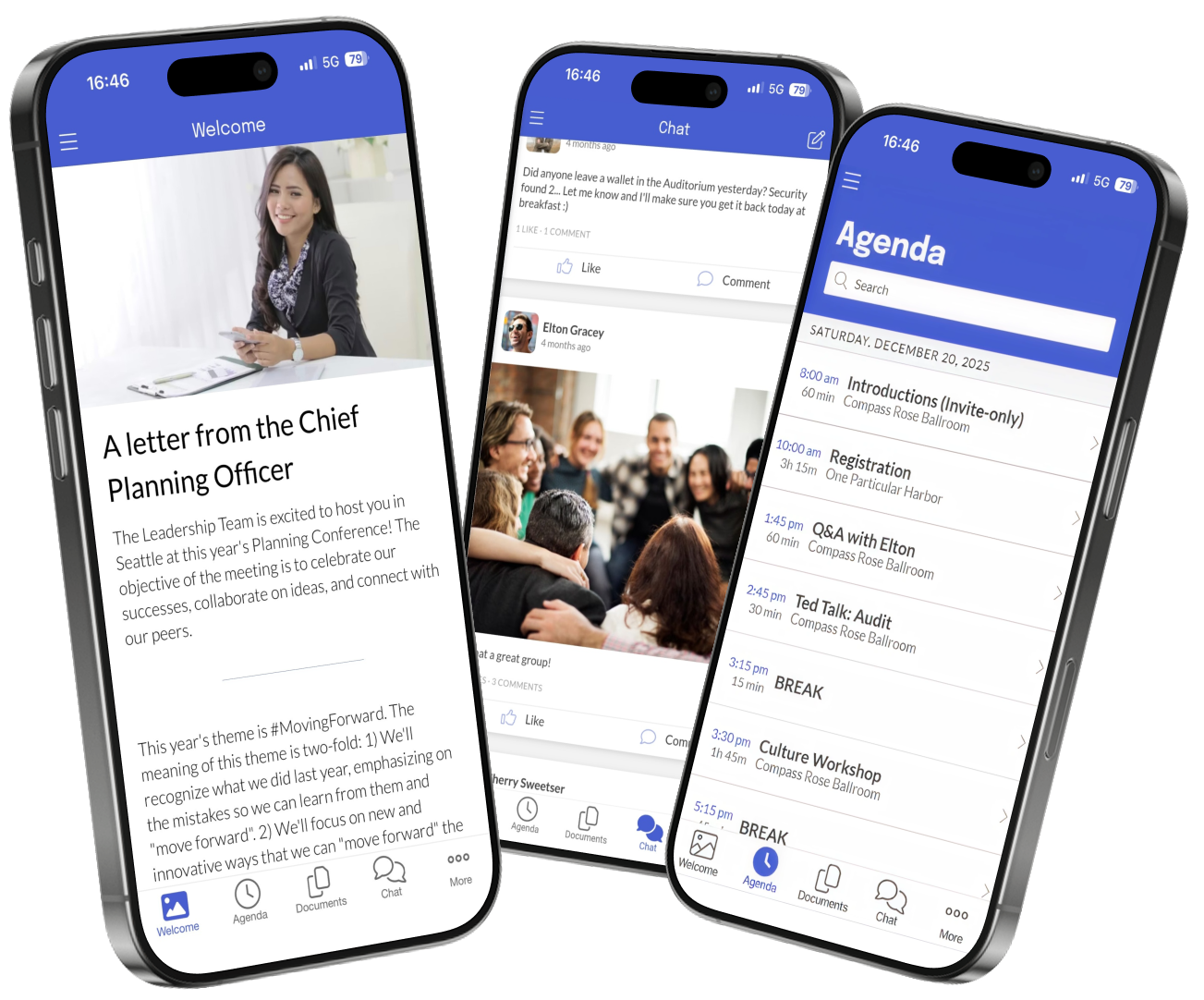
Yapp can be categorized as an event engagement app with a drag-and-drop app builder that allows you to create your own app. You can build multi-track schedule, showcase your sponsors, and set up a photo and social feed.
The app doesn’t offer as advanced engagement features as Slido or Mentimeter, but the platform provides photo wall and social feed where attendees can share their personal photos, and polls to find out their preferences.
It’s a user-friendly platform with quick setup for an accessible price. But for events needing more advanced features, yapp might not be suitable.
🎨 Event marketing tools
Event marketing tools include, for example, platforms for sending out emails, creating newsletters, scheduling social media posts, or customer relationship management.
11. Beehiiv
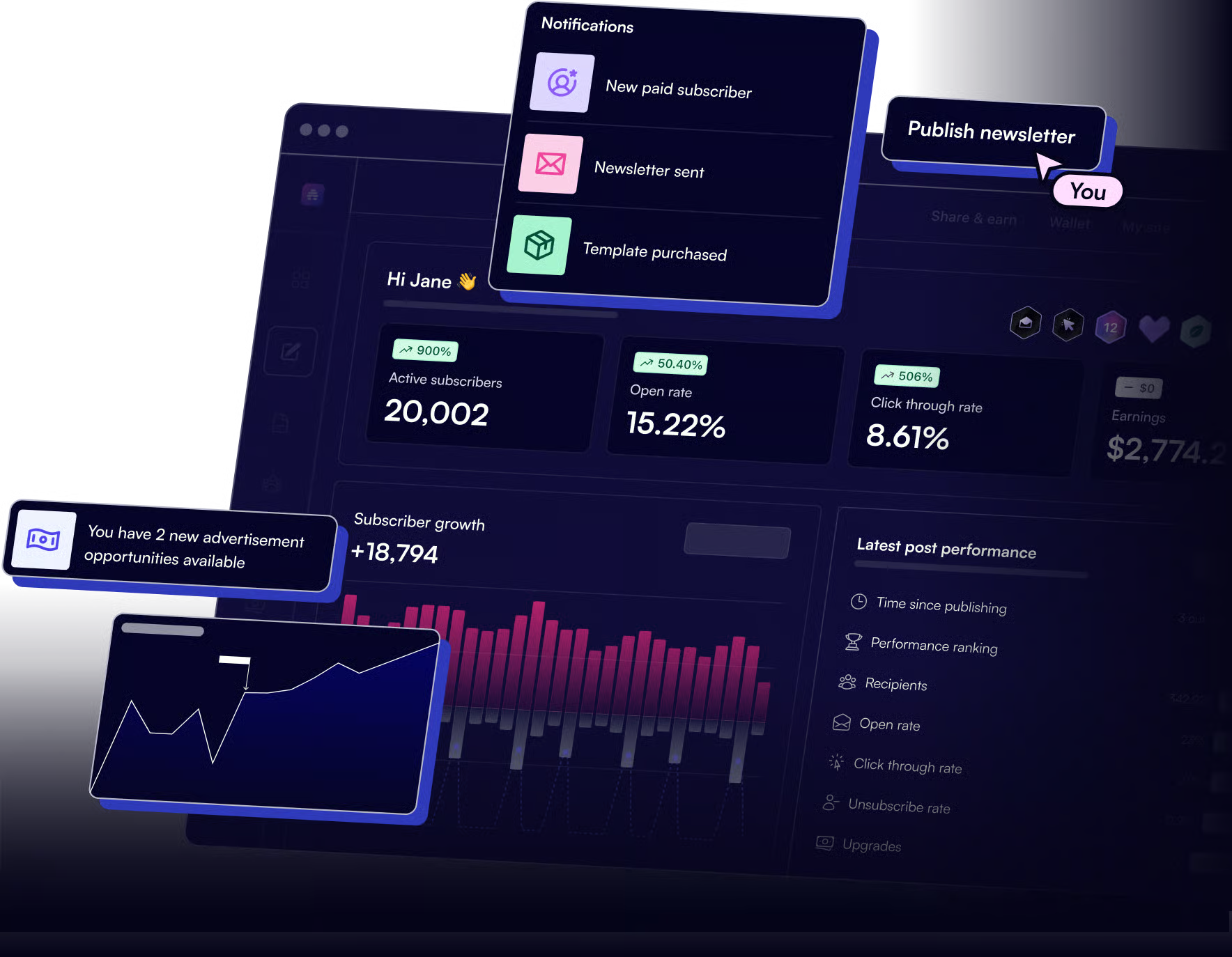
Beehiiv is an all-in-one newsletter platform that allows its users to design and style their newsletters. You can also build your own website where people can sign up to your newsletter and become subscribers.
The platform offers robust monetization options. You can launch a paid newsletter with flexible subscription tiers, customizable payment options (annual, monthly, “pay what you want”), or content paywalls.
You can also manage direct sponsorships to generate more revenue.
Beehiiv’s users appreciate its user-friendly interface, robust monetization options, and comprehensive features. But it can be quite pricey.
12. EmailOctopus
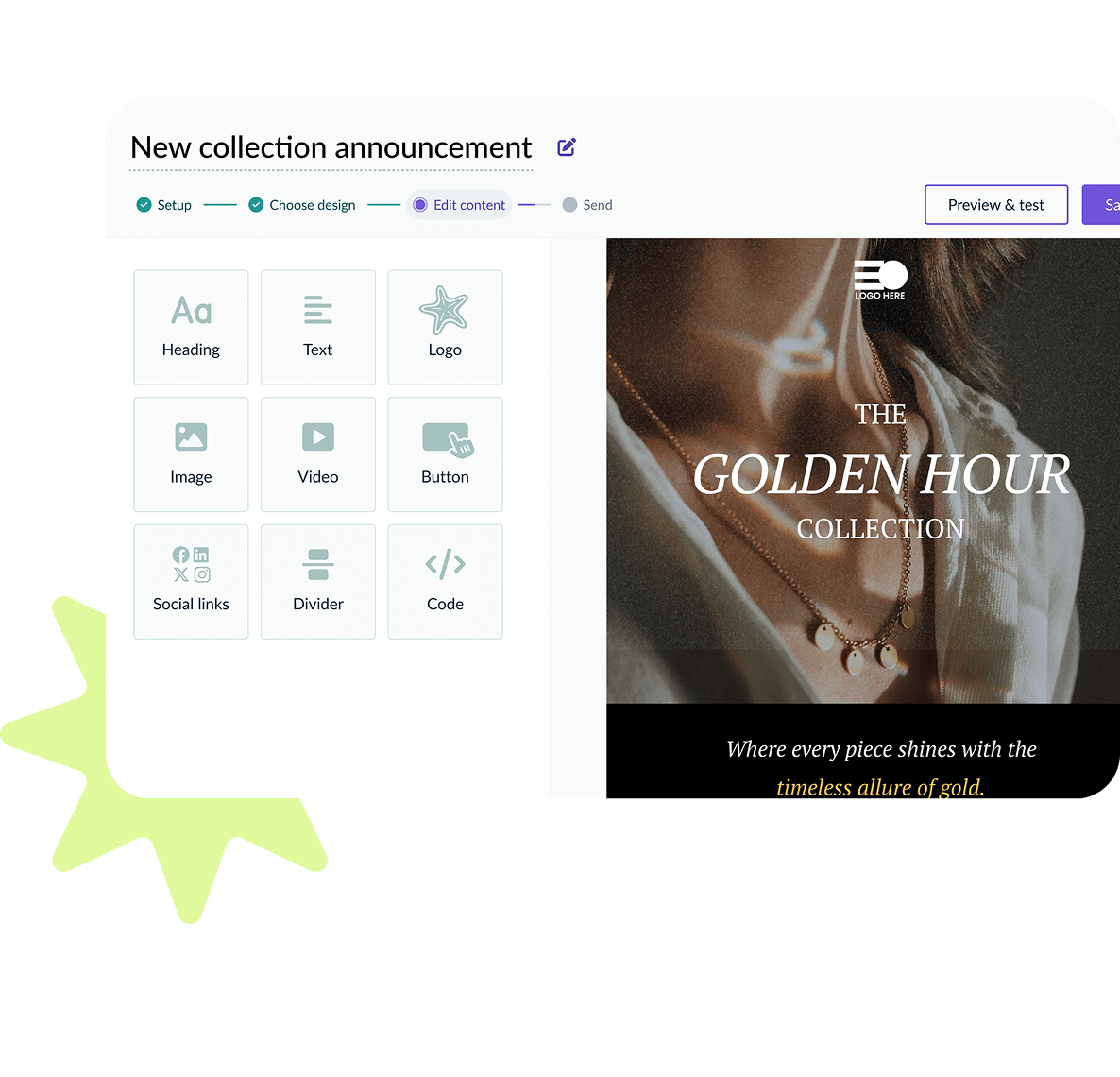
EmailOctopus is an email marketing tool with a drag-and-drop email builder that enables you to create emails quickly and easily without any coding skills. And if you don’t want to start from scratch, the platform offers pre-built templates to make it even easier for you.
The platform also offers a builder for creating custom forms and landing pages to grow your subscriber list. You can customize the forms to fit your brand with fonts, colors, layouts, or images.
Apart from that, it also provides users with in-depth data on campaign performance and other useful statistics.
EmailOctopus is typically praised for its incredible ease of use and affordability (especially compared to other email marketing tools). However, the platform offers limited features (for example, no monetization options). But it can be a very useful tool for nurturing attendees during the in-between events periods.
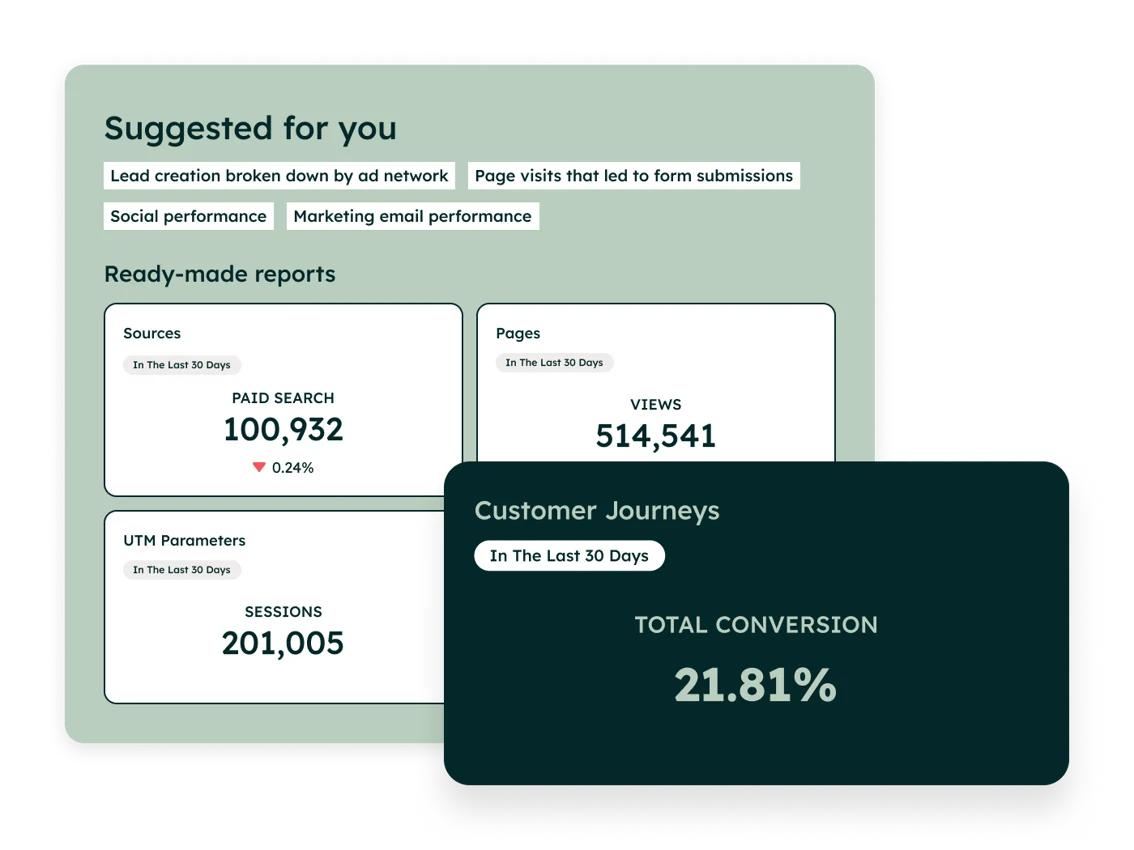
13. HubSpot
HubSpot offers a free tier, but if you have more contacts, you can expect significant price increases. Prices for some hubs may seem low, but they typically include mandatory onboarding fees. We recommend checking your contacts regularly, as exceeding your limit may trigger overage charges.
HubSpot is a robust all-in-one customer relationship management (CRM) and marketing/sales software platform.
It's organized into separate product modules called "Hubs," typically covering marketing automation, sales (CRM, pipeline management, email tracking), customer service (ticketing, live chat, knowledge base), content management (website/CMS hosting), and operations (data syncing, workflow automation).
The platform unites marketing, sales, and support tools into one connected system with a shared contact database.
Its users praise the platform's ability to automate tasks but they note that pricing can escalate quickly as contact lists grow.
14. Buffer
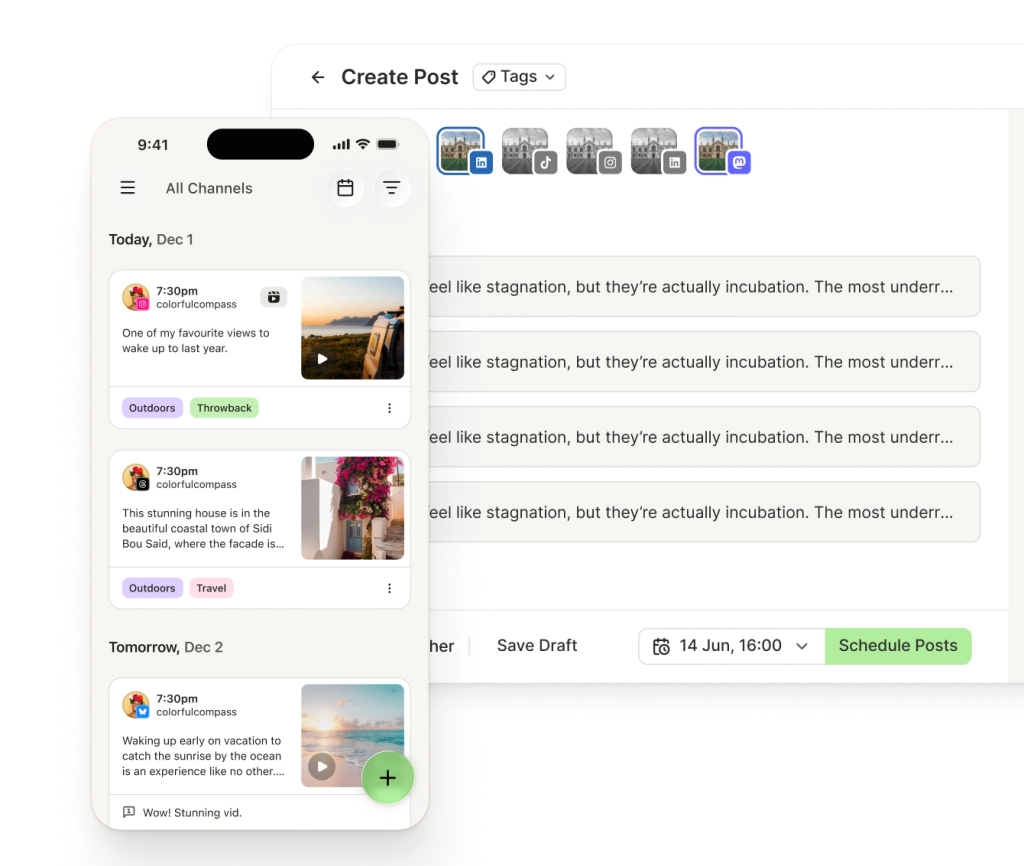
Buffer is a social media post-scheduling software that supports 11 social platforms – Instagram, Facebook, LinkedIn, TikTok, X, Threads, Bluesky, Pinterest, YouTube, Google Business Profile, and Mastodon.
This can be useful for promoting your event on popular social media channels without manually uploading posts to each network.
With Buffer, you can plan, publish, and analyze content on your social media from a single dashboard. Users can also answer comments directly from Buffer’s dashboard and personalize their social bios.
Buffer is praised for its ease of use and efficiency. However, some users note that the analytics feature is not very comprehensive.
📹 Platforms for virtual events and streaming
Nowadays, most events run in a hybrid format. That’s why many event managers use streaming platforms to seamlessly bring the event content across borders.
But depending on the complexity of your event, platforms like StreamYard, Zoom, or Restream can get considerably pricey, especially for larger events with numerous sessions. That’s why on this list, we include only one platform that is completely free – OBS Studio.
15. OBS Studio
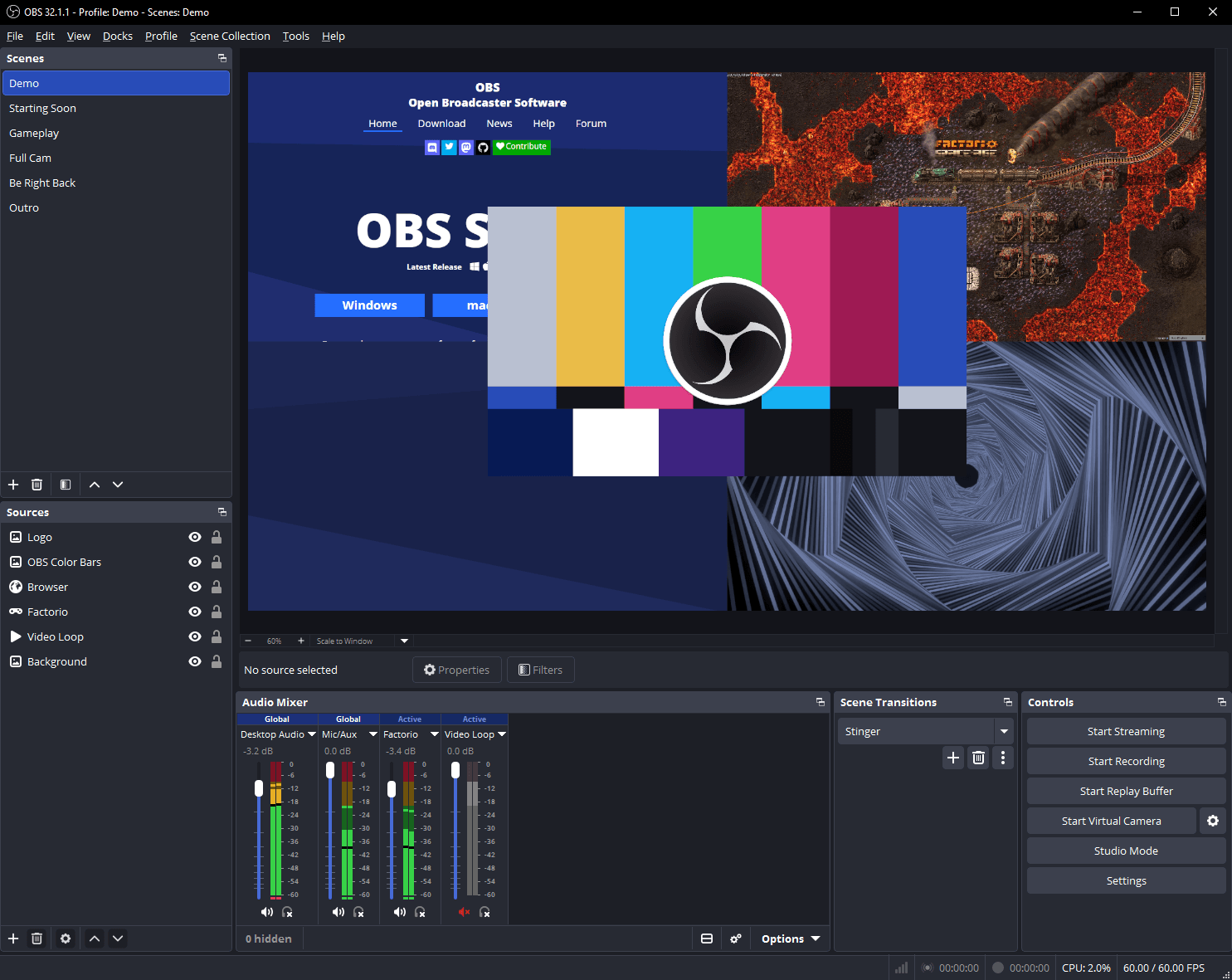
OBS Studio is open-source software for video recording and live streaming, with no watermarks or time limits. It’s a desktop application available for Windows, Mac, and Linux.
People typically use it for live streaming because it connects natively to platforms like YouTube, Twitch, Facebook Live, and LinkedIn. OBS Studio can also be used to record event sessions. It saves the video directly to a local hard drive, and the final video quality isn't dependent on the internet speed.
The biggest advantage is that the platform is completely free. There is a massive global community that creates free plugins with automated transitions, advanced audio filters, or custom stream effects.
But the UI and setup can be complex, especially for beginners. There also isn’t an option to host a guest, so you cannot send someone a web link to join your broadcast as a speaker. You’d have to set it up with another app like StreamYard or Zoom, then record that.
⚠️If you require native guest hosting where you send your speaker a link to join your broadcast, you can use platforms like Zoom, StreamYard, or Restream. All of these offer a free plan, typically with 20 hours of airtime and a total of 6 participants in the studio at any single moment (this limit doesn’t apply to attendees watching the broadcast).
Project management tools
Project management tools typically help you to manage workflows and coordinate tasks. Breaking down projects into separate tasks can help you boost productivity.
16. Trello
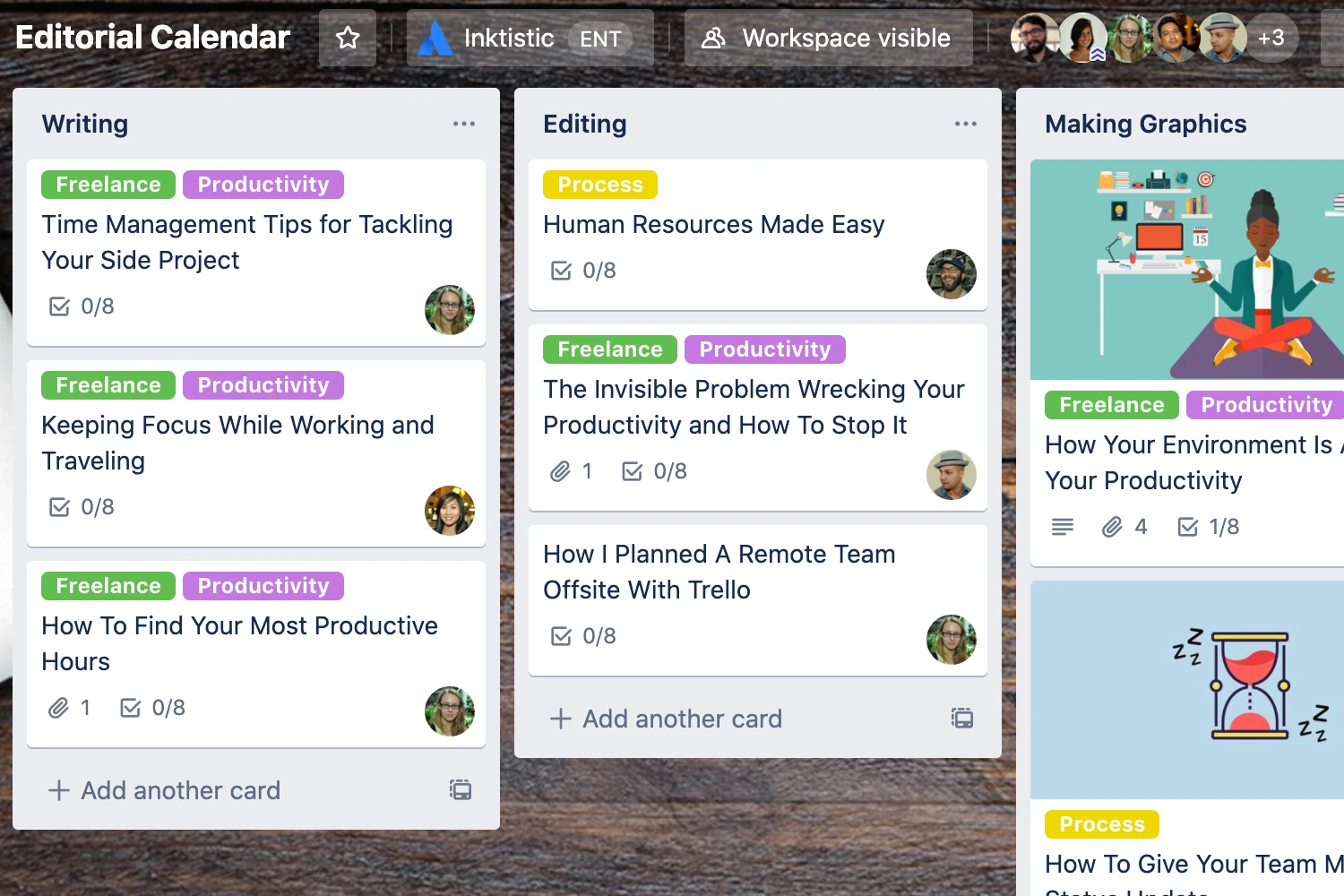
Trello is a project management platform that uses the Kanban method, where projects are broken down into visual boards with lists and cards to help you organize the workflow.
Boards and tasks can be shared and assigned to specific people. They can be labeled with colorful tags, due dates, checklists, or files. The easy drag-and-drop method lets users move cards around seamlessly.
Trello can also track activity, which shows you who did what and when.
Its users consistently praise the ease of use and visual organization, which makes collaboration seamless. But others complain about overwhelming and inconsistent notifications.
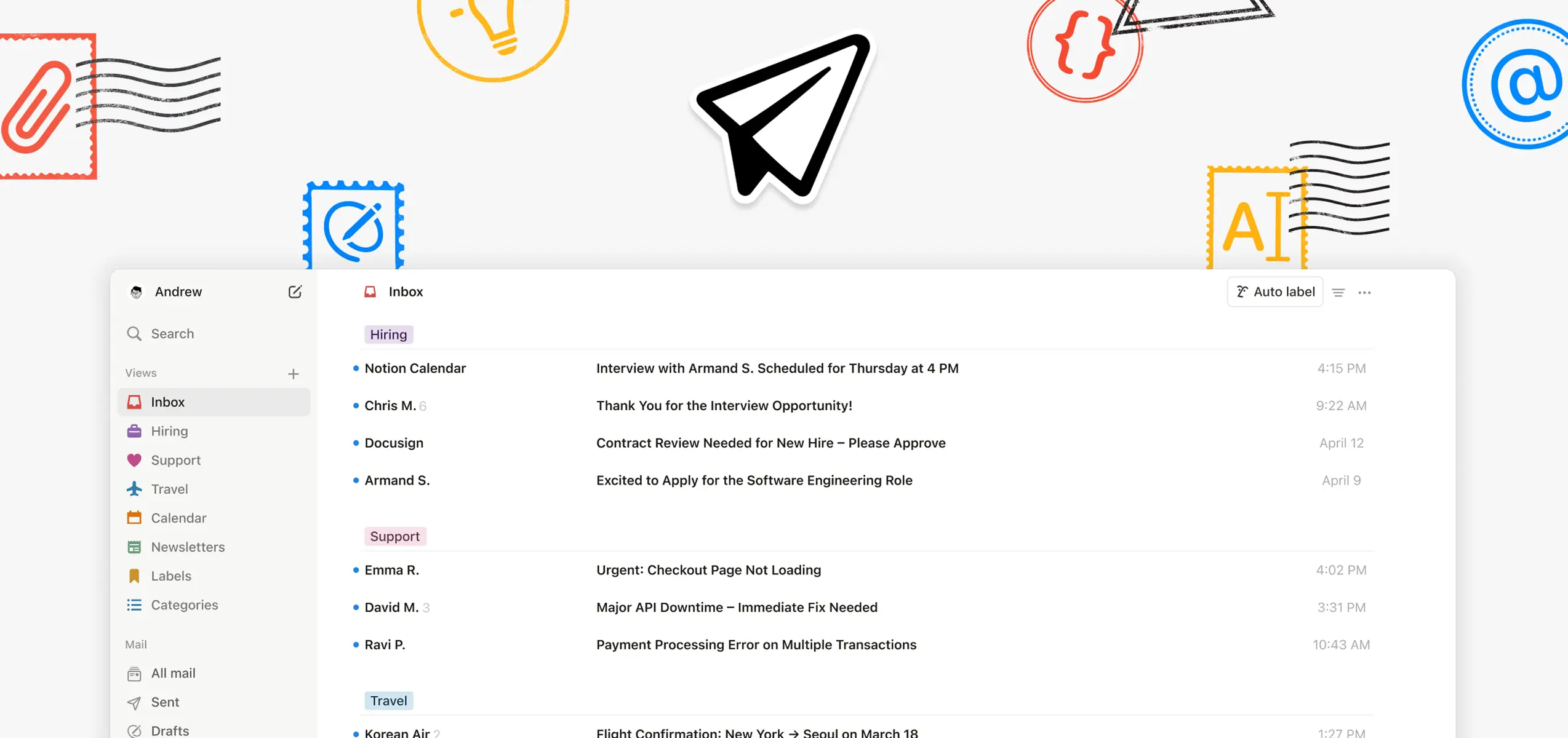
17. Notion
Notion is a customizable productivity software and workspace that lets users create a dashboard full of notes, to-do lists, calendars, and spreadsheets.
It’s a great tool for keeping all of your necessary information together in one place. You can nest pages inside other pages infinitely and create an entire ecosystem for your work.
People commonly use it for daily journaling and habit tracking, students for lecture notes and exam schedules, and event managers for budgeting, goal setting, or project management.
The best part, Notion created a massive database of thousands of templates to make everything easier for its users. You can also create your own templates and make them available for other users.
Notion is praised for its flexibility and ability to integrate various tools and features into one centralized system. But users also mention steep learning curve and sluggish performance with large data.
Other useful free event tools
ROI calculator
The Event ROI Calculator is a free tool built to answer a question that trips up most event managers: whether an event was actually worth the money spent on it. It will help you estimate the exact return on investment number of your event. You don’t have to guess anymore.
You can choose between three separate calculation modes: B2B marketing events, paid conferences, and internal corporate events. They each use their own logic since they create value in different ways. So rather than forcing every event into a single generic formula, you can estimate the exact number that fits your event.
The calculator has a live sensitivity analysis that shows which inputs move ROI the most, and a shareable, exportable PDF report which you can share with your sponsors, executives, or CFOs. And it comes with industry benchmark defaults for when you don't have exact figures.
Ticket pricing calculator
This ticket pricing calculator can help you find the ideal price for event tickets, based on your costs, goals, and market factors.
This tool is very easy to use. You simply enter event cost, attendance goals, and competitor pricing and the calculator will recommend ideal pricing tiers for your event.
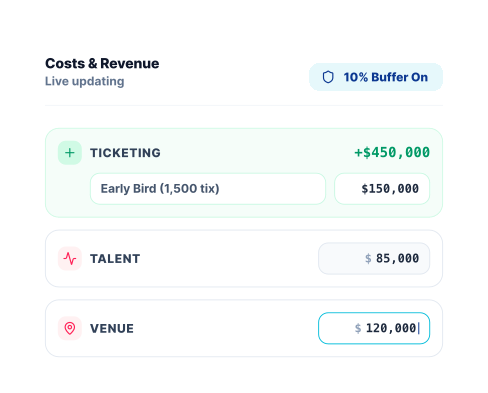
Event budgeting tool
This free tool creates a customized budget template based on your specific event type, ticket structure, and cost categories. After filling in the necessary event information, the platform will calculate your breakeven revenue.
It can suggest changes in case your event isn’t going to be profitable. You can also export a customized event budget template to Excel. And the best part? It’s free and it doesn’t require you to sign up.
MyClimate event calculator
The event industry can be a real strain on our climate. That’s why it can be really useful to calculate CO₂ emissions of your event to know where you can improve.
This MyClimate event tool calculates your event emissions after filling in the necessary event information. You can also receive the “Engaged for Impact” label to transparently communicate your climate protection commitment. But the process can be rather lengthy.
Honorable mentions
There are other useful event management tools that aren’t mentioned in the original list because they don’t offer a free trial or transparent pricing. But they deserve an honorable mention at the end!
Whova
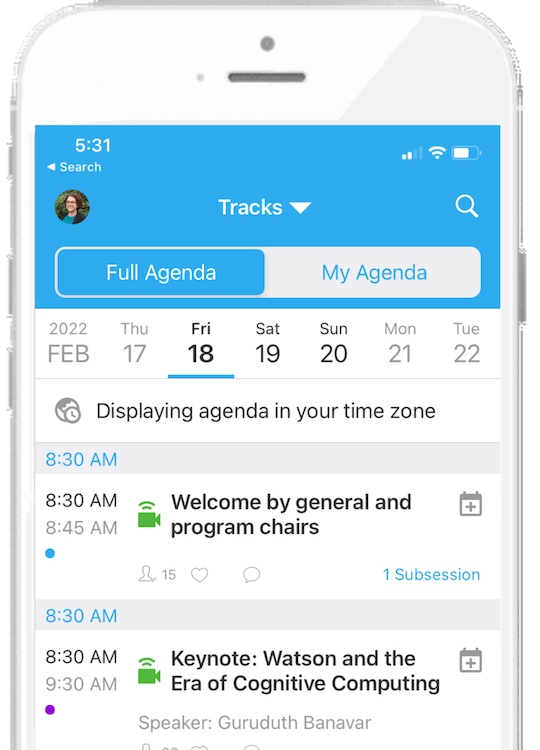
Whova is an all-in-one event management platform that offers a range of features for hosting virtual, in-person, or hybrid events. Some of its key features include registration, ticketing, check-in, or sponsorship tools.
With Whova’s dedicated event app, event managers can provide attendees with a personalized agenda, interactive map, or engagement features like live polling, social wall, and networking.
Whova is consistently praised for its valuable event management features and easy networking capabilities. But event professionals commonly note that it can be expensive or an overkill for smaller events.
Cvent
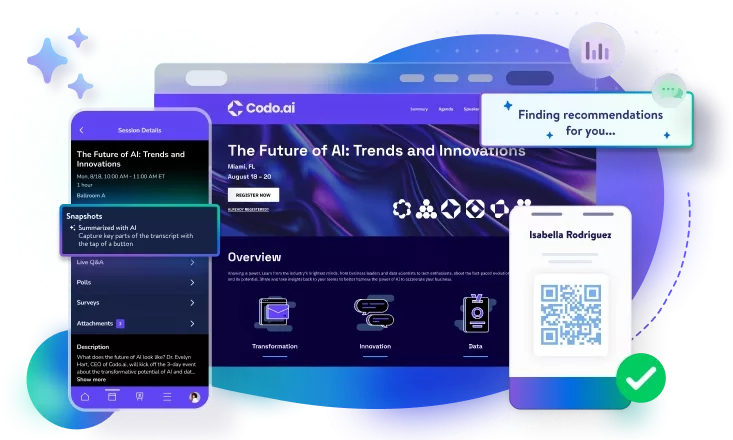
Cvent is a comprehensive all-in-one event management platform that offers tools for in-person, virtual, and hybrid events, including marketing, website creation, attendee tracking, and event apps.
This very robust platform is designed to deliver every aspect of event planning from start to finish. Unlike any other solution in this article, Cvent offers tools like venue sourcing that aren’t typical for event management software.
Key features include an attendee hub to drive engagement, video streaming tools for virtual events, and on-site technology for check-in kiosks, badge printing, and lead scanning. The platform is typically geared toward large companies or individuals hosting massive conferences or trade shows.
Cvent is a very useful event management software, ideal for those seeking a unified, comprehensive experience. However, some Cvent users mention a steep learning curve, high costs, and an overwhelming feature set.
🧩 Best software by event type
The tools in this article are positioned in a way that you can build your own tech stack based on your needs. So let’s go over some typical event stacks based on event types.
Best event management software for smaller events on a tight budget
Smaller events like corporate meetings, community gatherings, or simply networking meetups typically require an event app that would allow attendees to network and connect with like-minded individuals.
For these types of events, we would recommend event management software like Eventee, with a clean, minimalist event app that includes features like swipe-based networking, a meeting scheduler, and 1:1 chat that connects even the shiest introverts.
Such event management software like Eventee integrates registration, agendas, networking, and a mobile app without a large budget. The best thing? It offers an unlimited free trial.
A very suitable choice can also be the Yapp event app, which is one of the most accessible event apps on the market, and it’s great for boosting event engagement, or other engagement platforms like Slido and Mentimeter.
To stay on top of everything, use project management tools like Trello or Notion. Their generous free tiers can help you deliver events without missing a thing.
You can even set up your own newsletter with Beehiiv or EmailOctopus to attract bigger audience and nurture them for the next event.
Best event management software for mid-size to large global conferences
Global conferences with thousands of attendees typically need event management software that bridges the gap between in-person and virtual participants.
They have numerous attendees connecting to the livestream from all over the world, so event organizers need an app that helps their attendees navigate the event, watch the livestream, and engage with the audience.
Any all-in-one event management software like Eventee, EventMobi, or Sched is suitable for these types of events. They offer features like agenda management, registrations, and tools for streaming for seamless event planning.
Each of them differ in pricing and their focus with Eventee designed for quick setup and user-friendly navigation, Sched centered on great agenda experience, and EventMobi as a full-stack event platform on the whole event cycle.
Eventee is user-friendly for small, mid-sized companies, can be run from anywhere in the world with limited resources, and offers robust event planning, logistics management, and attendee experience tracking.
Use OBS Studio for free, stable live streaming and Buffer to get the whole world talking about your event on social media.
Huge trade shows with tens of thousands of attendees
Trade or expo shows that typically host tens of thousands of attendees focus primarily on showcasing exhibitors. That’s why they need event management software that would handle exhibitor management, lead retrieval at scale, badge printing logistics, and floor plan/booth management.
If you’re looking for a free tool that would handle this type of event, you’re barking up the wrong tree. Platforms focused on trade shows and expos typically cost thousands of dollars without any free plan or even a trial.
For that purpose, we would recommend platforms like Cvent or Whova.